

What Smart Home Technology Actually Is
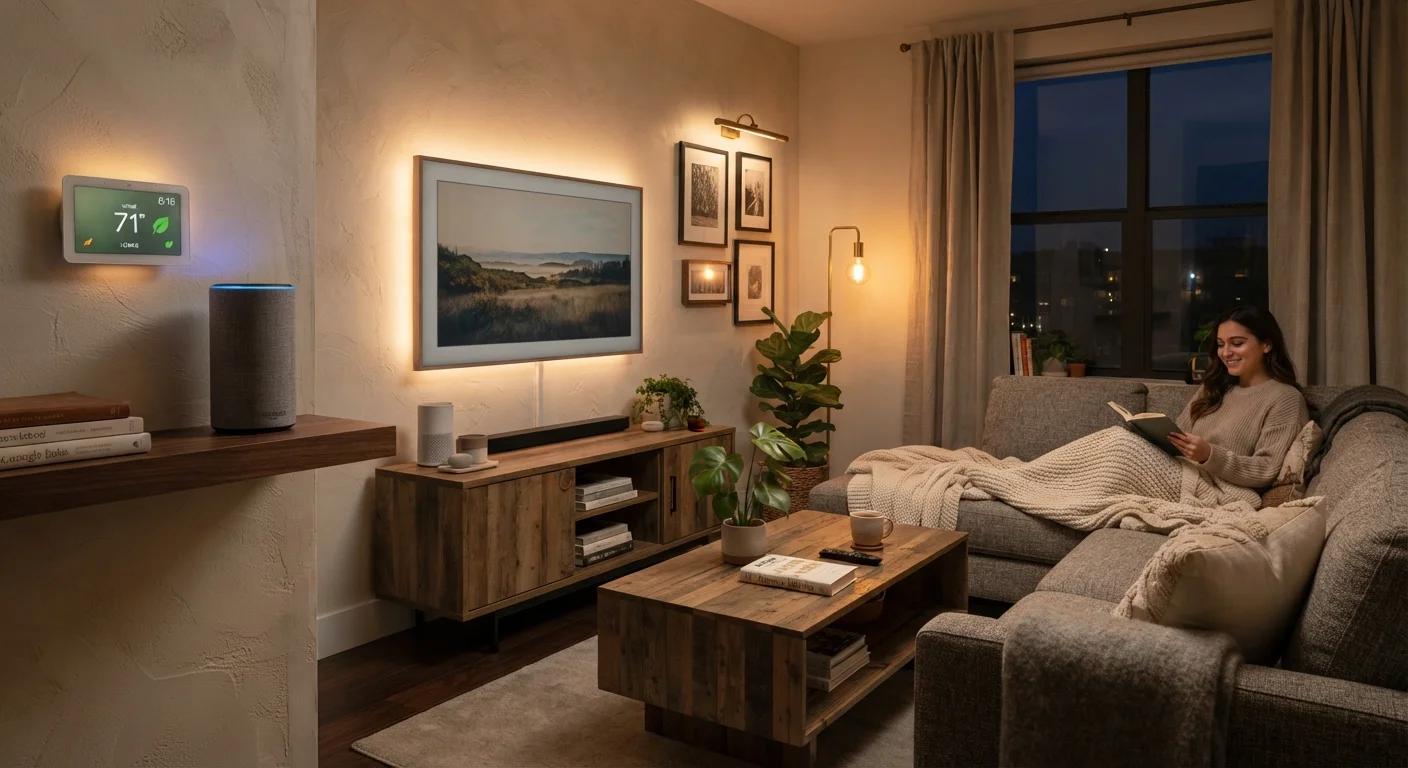
Smart home technology refers to devices and systems in your home that can be controlled remotely, scheduled automatically, or triggered by conditions - like motion, time of day, or temperature. A smart thermostat you adjust from your phone, a doorbell camera that alerts you to visitors, or a light bulb you turn off without getting up are all examples.
At the core, these devices connect to your home Wi-Fi network and communicate with an app on your phone or a voice assistant. That's really the full picture. There's no requirement for a complicated control panel or a professional installation - many devices are designed specifically for renters and non-technical households.
For more hands-on home improvements that pair well with connected devices, the Home Improvement hub covers practical upgrades across the house.
~57%
U.S. households with at least one smart device
According to Statista's consumer electronics research, smart home adoption in the U.S. has grown steadily and crossed a majority threshold in recent years.
Wi-Fi
Most common smart home connection type
Industry analyses consistently show Wi-Fi as the dominant protocol for consumer smart home products due to its ubiquity in homes.
1 in 4
Smart device owners report setup frustration
Consumer surveys on smart home adoption frequently cite compatibility and initial setup difficulty as the leading barriers to satisfaction.
How Connected Devices Work Together
Early smart devices were siloed - each brand had its own app, its own rules, and no interest in cooperating with competitors. That's still a challenge today, but a shared standard called Matter (supported by major platforms) is making cross-brand compatibility more realistic.
Most setups rely on one of three connection methods:
- Wi-Fi - the most common, works without extra hardware, but adds traffic to your router
- Bluetooth - short range, often used for locks or speakers close to your phone
- Zigbee or Z-Wave - low-power mesh networks that require a separate hub but handle many devices reliably
A hub (sometimes called a smart home controller) acts as a translator between devices and your phone, and can run automations locally even when the internet is down. Not every setup needs one - but if you're adding more than a handful of devices, it's worth considering.
Your smartphone is deeply tied to how you manage all of this. The Smartphones & Apps hub has useful context on getting the most from your phone as a control point.
Choosing Your First Device
The most common mistake is buying a device because it's interesting rather than because it solves something real. Start by identifying one friction point in your daily routine - forgetting to turn off lights, not knowing who's at the door, heating an empty house. That problem is your starting point.
Before you buy, look up whether the device requires its manufacturer's cloud service to function - if that service goes offline or shuts down, your device may stop working entirely.
Several smart home companies have discontinued their cloud platforms, rendering devices permanently inoperable. Knowing this upfront helps you choose more durable options.
Pick devices within one ecosystem for your first few purchases - mixing platforms too early creates more management overhead than most people want to deal with.
Cross-platform compatibility is improving with standards like Matter, but managing multiple separate apps still adds friction, especially when setting up automations.
Categories worth considering for first-time buyers:
- Smart speakers and displays
- Low barrier to entry, useful for voice control, timers, and as a hub for other devices
- Smart plugs
- Turn any ordinary lamp or appliance into something you can schedule or control remotely - no wiring needed
- Video doorbells
- High perceived value for security-conscious households; most work with standard doorbell wiring
- Smart thermostats
- One of the few categories with a credible case for reducing energy use over time
Check compatibility before purchasing. Confirm the device works with your Wi-Fi frequency (some only support 2.4GHz), your phone's operating system, and any voice assistant you use.
Building Out a Full Setup Over Time
A full smart home isn't a one-purchase project - it's something that evolves. Buying everything at once usually leads to overlap, compatibility headaches, and devices that go unused.
A sensible progression looks something like this:
- One device solving a real problem (lights, locks, climate, security)
- A shared ecosystem or voice assistant to tie devices together
- Automations that trigger devices based on time, location, or sensor input
- Optional hub or controller if device count grows beyond what individual apps handle well
Plan Your Network Before You Add Devices
Many smart home problems are actually Wi-Fi problems in disguise. Before adding several devices, consider whether your router covers every part of your home reliably. A Wi-Fi extender or mesh network system can eliminate dead zones that cause devices to drop offline and appear broken.
Keep your home network in mind throughout. A router that handles a dozen connected devices well is different from one that's already straining with phones and laptops. Many smart home frustrations trace back to Wi-Fi coverage gaps rather than device failures.
Privacy and Security Basics
Every smart device on your network is a potential entry point. That's not a reason to avoid them - but it is a reason to take a few straightforward steps.
Default Passwords Are a Real Risk
Many smart devices ship with a shared default password that's publicly documented online. Leaving it unchanged makes your device - and potentially your whole network - easy to access by anyone who knows the model. Changing the password during setup takes under a minute and is one of the most effective security steps you can take.
Key habits to build from the start:
- Change default passwords on any device or app that has them
- Keep device firmware updated - manufacturers patch security vulnerabilities through these updates
- Use a separate guest Wi-Fi network for smart devices, keeping them off the same network as your computers and phones
- Review which apps have location or microphone access, and revoke anything you don't actively use
For a deeper walkthrough of what to do after setup, see Keeping Smart Home Devices Secure After You've Set Them Up - it covers the steps many households skip once devices are running.
When Smart Tech Isn't the Right Fit
Automation genuinely helps with repetitive, forgettable tasks - but it's not always the right answer. Some tasks are faster to do manually. Others introduce new failure modes: a smart lock with a dead battery, a routine that fires at the wrong time, or an app that stops working when a company shuts down its servers.
There's real value in going in with clear expectations. If a device would only marginally improve something that already works fine, the setup time and ongoing maintenance may not be worth it.
For an honest look at where connected devices help versus where they add unnecessary complexity, The Case Against Automating Everything is a useful counterweight to the usual enthusiasm around smart home tech.
The content on this site is for informational purposes only and is not a substitute for professional advice. Always consult a qualified professional for guidance specific to your situation.