

How Voice Assistants Actually Listen
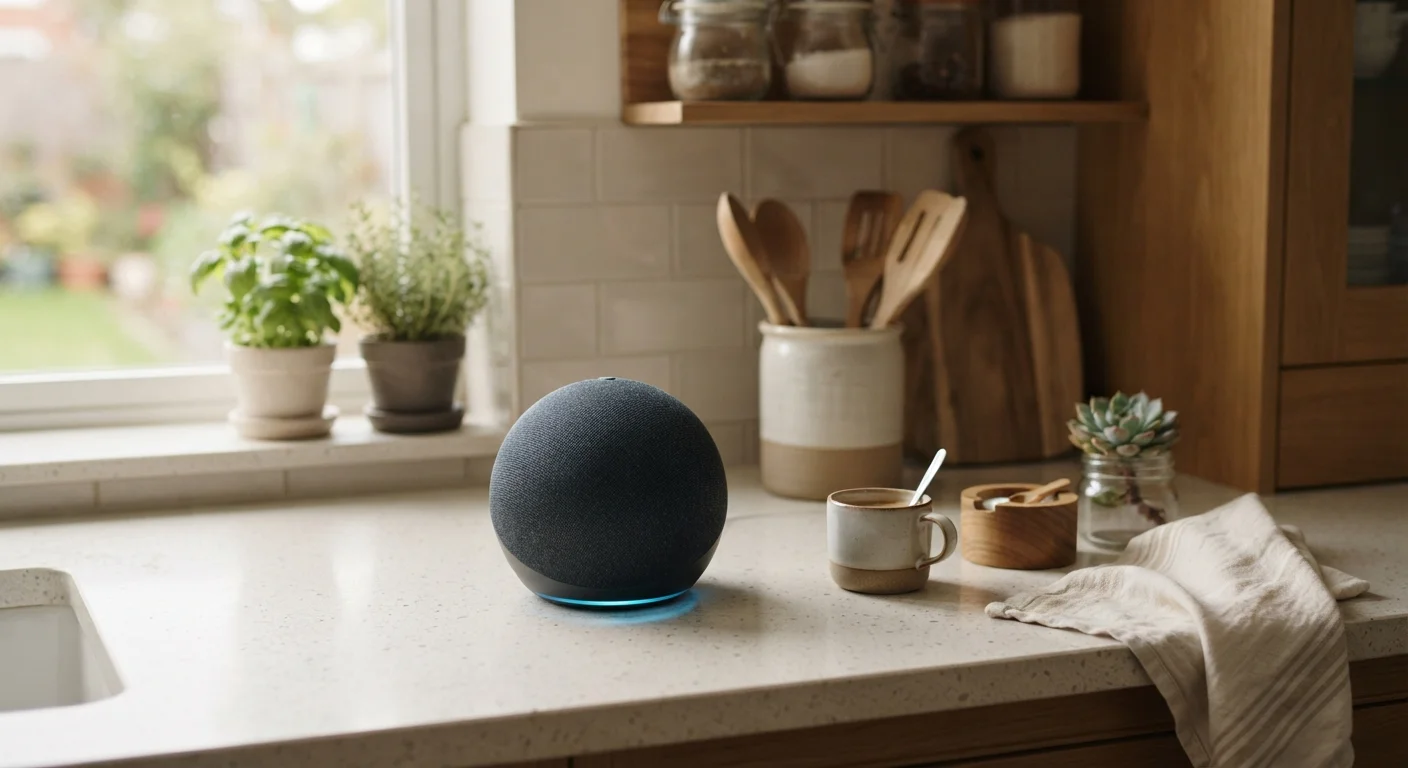
Smart speakers like those powered by Amazon Alexa, Google Assistant, or Apple's Siri are built around a concept called always-on listening - but that doesn't mean they're recording everything you say. The device runs a small, local program that continuously monitors audio for one specific phrase: the wake word.
Until that wake word is detected, audio is processed only on the device and is not sent anywhere. Once the trigger phrase is recognized, the device begins recording your actual request and sends it to the company's servers for processing. The response comes back within seconds.
The key takeaway: the "always listening" part is narrow and local. The recording-and-transmitting part kicks in only after that trigger. That said, wake-word detection isn't perfect, and a stray phrase in conversation can sometimes set it off unintentionally.
Reduce False Wake-Word Triggers
If your device activates on its own during conversations or TV audio, try adjusting the wake-word sensitivity in your device's settings app. Placing the speaker away from televisions and common conversation areas can also help. Fewer false triggers mean fewer unintended recordings.
What Happens to Your Voice After You Speak
Once your request reaches the company's servers, it's processed by speech recognition and AI systems to understand what you asked and generate a response. But the story doesn't end there - most platforms retain a copy of that voice clip, sometimes indefinitely unless you manually delete it.
Companies use stored recordings to improve their voice recognition models, personalize responses, and train AI systems. A notable concern that has been documented by multiple news investigations is that some platforms have employed human contractors to review small samples of recordings - a practice intended to improve accuracy but one that caught many users off guard.
Human Review Programs Are Usually Opt-Out
Major platforms have faced scrutiny for using human reviewers to listen to voice samples without making this obvious to users. These programs are typically active by default and require you to manually opt out. Check the privacy or data settings in your device's companion app to see your current enrollment status.
Voice data tied to third-party "skills" or "actions" - like asking a food delivery app or a trivia game - is also governed by that third party's privacy policy, not just the main platform's. Those policies vary widely.
~1 in 5
Smart speaker false-activation rate
Research from Northeastern University and Imperial College London found smart speakers activated unintentionally up to 19 times per day in some testing scenarios.
35%
US adults own a smart speaker
According to Pew Research Center survey data, roughly a third of US adults reported owning a smart speaker.
Practical Steps to Manage Your Privacy
The good news is that most major platforms give you meaningful controls over your voice data. Here's what you can typically do:
- Review and delete recordings: Check the companion app (like the Alexa app or Google Home app) for a voice history section. You can delete individual clips or your entire history.
- Set up automatic deletion: Some platforms let you configure recordings to be deleted automatically after 3 or 18 months.
- Opt out of human review: Look for settings related to "voice improvement" or "audio review" and turn them off if you prefer not to be included.
- Use the physical mute button: All major smart speakers include a hardware mute that cuts the microphone entirely - no software override possible.
For a broader look at how connected home devices handle recorded data, see our guide to smart doorbell and camera data - many of the same principles apply.
“Privacy is not something that I'm merely entitled to, it's an absolute prerequisite for how I operate - and users deserve to understand exactly what their devices are doing with their voice.”
— Woodrow Hartzog, Professor of Law and Computer Science, Northeastern University
Frequently Asked Questions
No - smart speakers are designed to only begin recording after detecting a wake word like "Hey Siri" or "Alexa." However, false triggers do occur, meaning a nearby conversation could occasionally prompt an unintended recording. The device is not continuously sending audio to the cloud.
Yes. Most major platforms - including Amazon Alexa and Google Assistant - provide settings where you can review and delete your voice history. You can usually find these options in the companion app under Privacy or Account settings. Some platforms also allow automatic deletion on a rolling schedule.
Some companies have programs where human contractors review a small sample of voice recordings to help train and improve speech recognition accuracy. These programs are generally opt-out, meaning you may be enrolled by default. Check your platform's privacy settings to see if you can opt out.
Voice data may be shared with third-party app developers if you use third-party "skills" or "actions" on your device. Each third-party integration has its own privacy policy. It's worth reviewing those policies if you use outside services through your smart speaker.
You can mute the microphone when you're not using the device, reduce wake-word sensitivity, regularly delete your voice history, and opt out of human review programs where available. Reviewing your device's privacy settings periodically is a straightforward way to stay in control.
The content on this site is for informational purposes only and is not a substitute for professional advice. Always consult a qualified professional for guidance specific to your situation.