

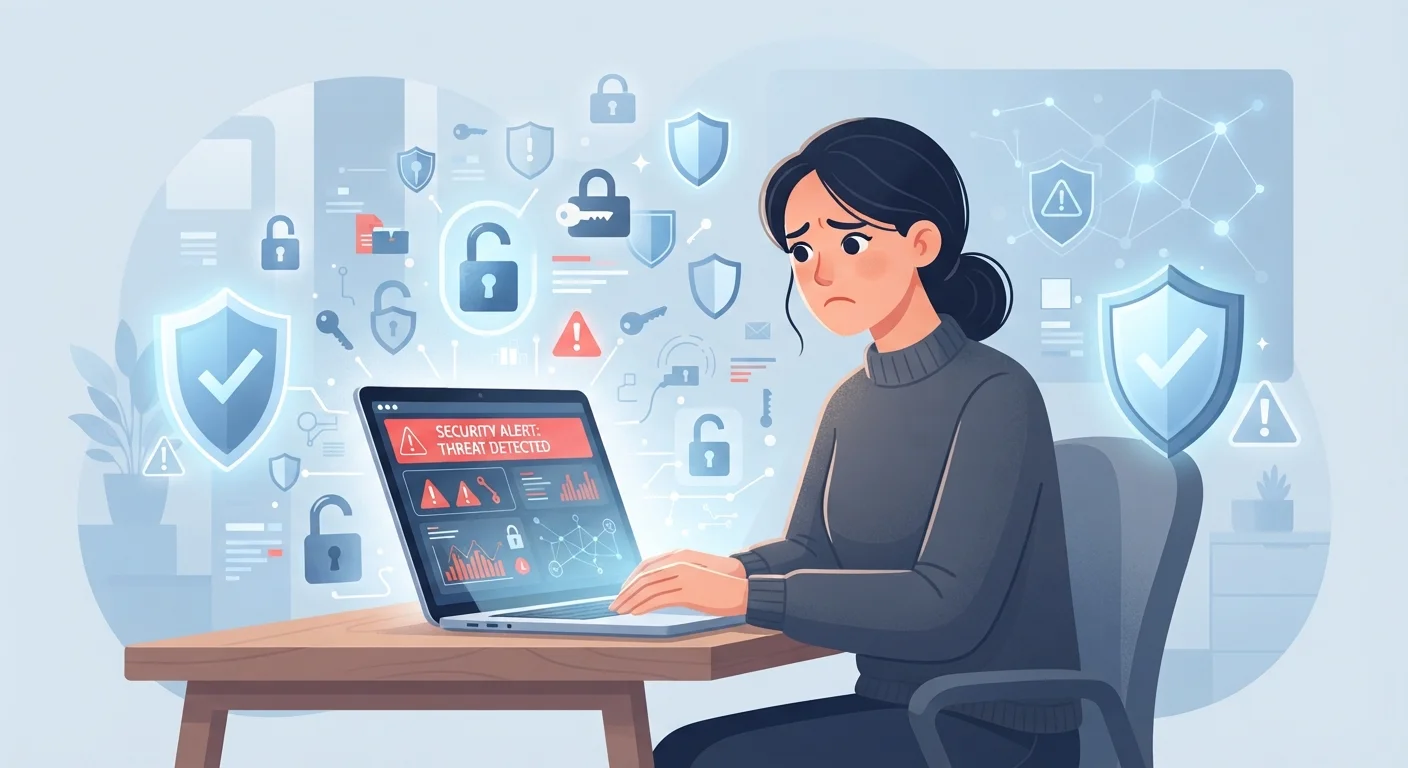
Why Good Intentions Still Leave Accounts Exposed
Most people who get their accounts compromised weren't careless. They thought they were doing the right things - picking a solid password, not opening obvious spam, using trusted websites. The problem is that account security has a handful of gaps that feel safe but aren't, and attackers are very good at exploiting exactly those assumptions.
The mistakes below aren't about technical sophistication. They're about mental shortcuts that make sense on the surface but quietly leave the door open. Recognising them is the first step to closing it.
Reusing the same password across multiple accounts.
Why it happens: Creating and remembering a unique password for every service feels impractical, so people default to one they already know.
Assuming a strong password is all the protection you need.
Why it happens: People are told to make passwords long and complex, so once they've done that, they feel the job is done.
Clicking links in emails without verifying where they actually lead.
Why it happens: Fraudulent messages are designed to look legitimate, creating urgency that bypasses careful thinking.
Treating "nothing to hide" as a reason to ignore privacy settings.
Why it happens: Many people believe attackers only target high-value individuals and that ordinary accounts aren't worth compromising.
Logging into sensitive accounts over public Wi-Fi without any protection.
Why it happens: Public networks feel normal because cafes and airports actively promote them as a convenience.
Ignoring account activity alerts and breach notifications.
Why it happens: Notification fatigue makes it easy to dismiss unfamiliar emails as spam, even when they're legitimate security warnings.
Building Habits That Actually Hold Up
Security advice often feels like an endless list of things to do. In practice, fixing two or three of the vulnerabilities above will eliminate the vast majority of your personal risk. Prioritise in this order: stop reusing passwords, turn on two-factor authentication wherever it's available, and train yourself to pause before clicking any link that asks for your credentials.
80%+
Of breaches involve stolen or weak credentials
Verizon's Data Breach Investigations Report has consistently found that the vast majority of hacking-related breaches exploit compromised passwords.
2×
Accounts with 2FA are far harder to compromise
Google's internal research found that adding a recovery phone number blocked the majority of automated bot attacks targeting accounts.
It's also worth remembering that account security doesn't exist in isolation. Oversharing on social media gives attackers raw material for phishing messages and password-reset attempts. The same pattern of small, unnoticed habits that quietly undermine financial goals applies here too - incremental exposure adds up faster than people expect.
Password Reuse Is a Serious Risk
When any site suffers a data breach, stolen credentials are sold or shared online within days. If you use the same password elsewhere, those accounts are immediately at risk too - even if that second site was never breached. Assume any password used on more than one site is already compromised.
Finally, don't overlook your home network as an entry point. Devices that connect to poorly configured routers can expose account credentials just as easily as a bad password. Common home network mistakes are worth addressing alongside your account hygiene.
Security Questions Can Be Guessed
Answers to common security questions - your mother's maiden name, your first pet, your high school - are often findable through social media or public records. Never answer security questions honestly; instead, treat them like a second password and use a random, memorable answer you store securely.
The content on this site is for informational purposes only and is not a substitute for professional advice. Always consult a qualified professional for guidance specific to your situation.