

Why Social Media Privacy Matters More Than You Think
Most people treat social media as a place to share highlights - a vacation photo, a birthday post, an opinion. What's easy to miss is that every action you take on these platforms feeds into a detailed profile that can be seen by far more people than your friends list suggests.
That profile can affect you in practical ways: employers routinely review public profiles before interviews, advertisers use your activity to target you with pinpoint precision, and bad actors can piece together personal details from posts you considered harmless. Understanding the digital footprint your social activity creates is the first step toward controlling it.
Deleting a Post Doesn't Erase It Completely
When you delete a post, it disappears from your profile - but it may already have been screenshotted, cached by search engines, or stored in platform archives. Some platforms retain data for a period after deletion as part of their standard practices. Treat anything you post publicly as potentially permanent, even if you remove it later.
What You're Actually Sharing (Even Without Realizing It)
There are two layers to what social media collects: what you post intentionally, and what the platform gathers in the background.
Your Visible Content
- Posts, photos, and videos - Including metadata embedded in images, such as the time and sometimes the location a photo was taken.
- Check-ins and location tags - These tell anyone who can see your posts exactly where you were and when.
- Likes, comments, and shares - These build a record of your interests and associations even if you never write a word in your bio.
Behind the Scenes
- Your device and browser - Platforms log your IP address, device type, and operating system.
- How you scroll - Some platforms track which posts you pause on, not just what you click.
- Off-platform activity - Many platforms use tracking pixels on third-party websites to follow you around the web, even when you're not logged in.
72%
U.S. adults who use at least one social media platform
According to Pew Research Center's ongoing social media tracking surveys.
1 in 3
Users who have never reviewed their privacy settings
A commonly cited finding across multiple consumer digital literacy surveys.
If you think this only matters for big accounts or public figures, consider that the "nothing to hide" reasoning often underestimates how data collected today can be used in ways you didn't anticipate.
Who Can See Your Posts and Profile
Every major platform gives you some control over your audience - but the defaults are rarely in your favor. Out of the box, most accounts are set to public, meaning anyone on the internet (not just platform users) can view your posts, your followers list, and often your profile photo and bio.
Audience controls typically let you choose between:
- Public
- Anyone, including search engines and non-users, can view your content.
- Friends / Followers only
- Only people you've approved can see most of your activity.
- Custom or Close Friends
- You manually select who sees specific posts or stories.
There's a common misconception that "friends of friends" is a narrow audience. On a platform where you have 300 friends and each of them has 300 friends, that setting can expose your content to tens of thousands of people you've never met.
Do a 'stranger test' on your own profile: log out and search for yourself to see exactly what a non-follower can find. Most people are surprised by how much is visible.
Default settings favor discoverability, and the only way to know what a public viewer sees is to look from that perspective directly.
When reviewing connected apps, don't just remove suspicious ones - also remove apps you trust but no longer use. Dormant access is still access.
Third-party apps retain their permissions until explicitly revoked, meaning an old connection continues to pull account data even if the app sits unused on your phone.
Don't forget your tagged content. If a friend tags you in a post, that post may be visible to their entire audience - not just yours. Most platforms let you review tags before they appear on your profile, or let you remove tags after the fact. Turn on tag review if it's available.
Key Privacy Settings to Review on Any Platform
Regardless of which platforms you use, these are the categories worth auditing. Settings menus change, but the categories stay consistent.
Account Visibility
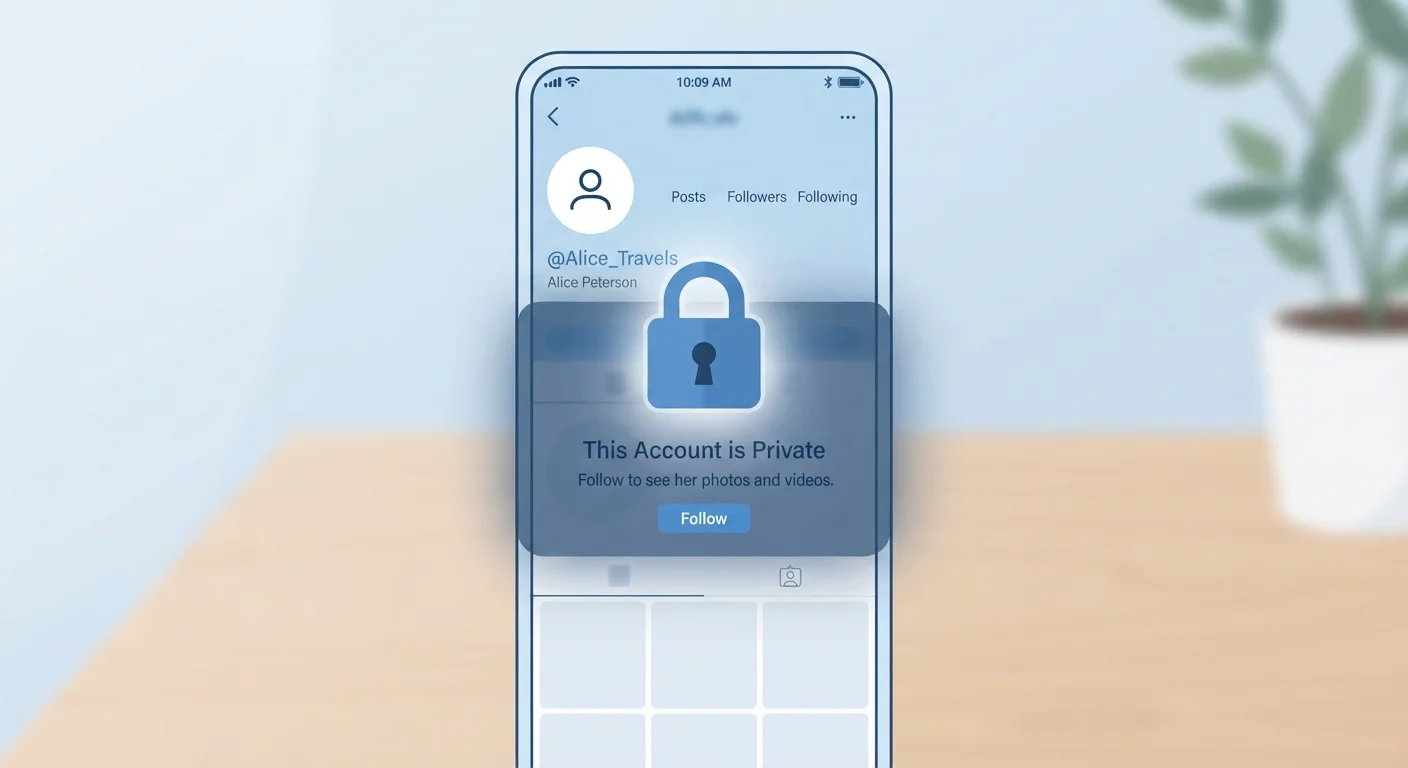
Switch your account to private or friends-only if you don't have a specific reason to be public. This single change limits who can discover and view your content.
Connected Apps and Permissions
Go to your account's security or privacy settings and look for "connected apps," "third-party access," or similar. Apps you gave access to years ago - games, quizzes, sign-in shortcuts - may still be pulling data from your account. Revoke access to anything you don't actively use.
Location Data
Turn off precise location sharing for social apps on your phone. Your smartphone's privacy settings let you control which apps can access GPS - set social apps to "never" or "while using" rather than "always."
Ad Preferences and Data Use
Most platforms let you limit how your data is used for ad targeting. You can usually opt out of interest-based ads and restrict data sharing with advertisers. It won't eliminate ads, but it reduces profiling.
Search Visibility
Check whether your profile appears in search engine results. Platforms typically have a toggle to prevent Google and other search engines from indexing your profile.
Schedule a Privacy Checkup
Set a recurring reminder - quarterly works well - to revisit your privacy settings on each platform you use. Major apps often introduce new data-sharing features with default opt-in, so periodic reviews catch changes before they affect you. Most platforms now offer a built-in 'Privacy Checkup' tool that walks you through the key settings in a few minutes.
Habits That Protect You Long-Term
Settings audits matter, but habits matter more because the digital environment keeps changing. Here are practical behaviors to build into your routine.
- Think before you tag a location in real time. Posting from home while you're away on vacation, for example, signals to anyone watching that your house is empty.
- Be selective about what you include in your bio. Your full name, employer, neighborhood, and phone number in one place is more than enough for someone to start building a profile on you.
- Use a strong, unique password and enable two-factor authentication on every social account. If an account is compromised, everything in it is exposed.
- Review your privacy settings every few months. Platforms update their policies and defaults regularly; a setting you enabled last year may have been reset.
- Be careful with quizzes and "what X are you" posts. These often require app permissions or collect answers - like your mother's maiden name or first pet - that overlap with common security questions.
For anyone just starting to think about their broader online presence, the beginner's guide to protecting yourself online covers the foundational habits that make a real difference.
Platform Policies Do Change
Social media companies update their privacy policies and terms of service periodically. It's worth reading update notifications rather than dismissing them, since changes can affect how your existing data is used going forward. If a policy change concerns you, most platforms allow you to download a copy of your data and, in some cases, request deletion.
Social media privacy isn't about disappearing from the internet - it's about making deliberate choices about what you share, with whom, and on your own terms.
The content on this site is for informational purposes only and is not a substitute for professional advice. Always consult a qualified professional for guidance specific to your situation.