

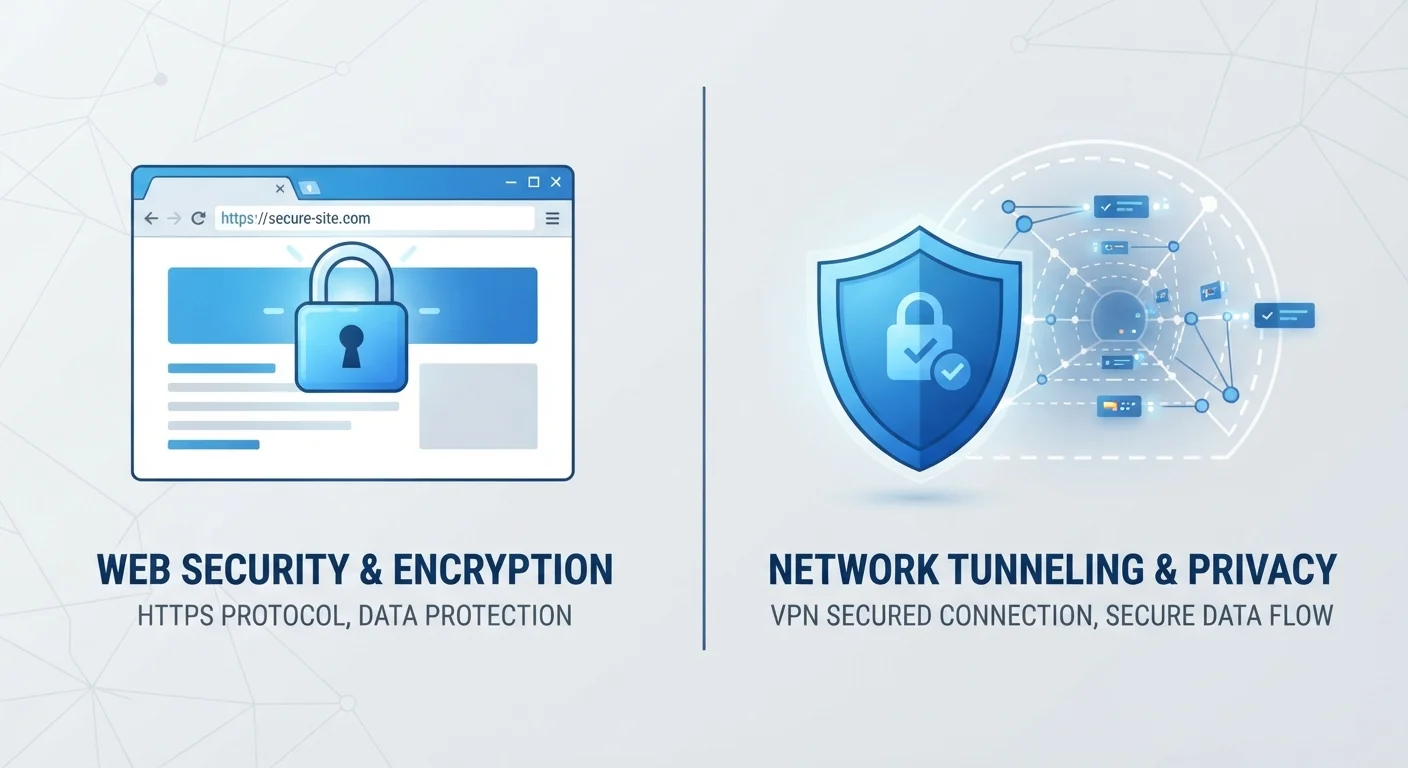
Option A
Private Browsing (Incognito Mode)
The local memory eraser - clears your tracks on your own device.
Best for: Keeping your browsing history, cookies, and form data off your personal device.
Option B
VPN (Virtual Private Network)
The network tunnel - hides your traffic from outside observers.
Best for: Encrypting your internet connection and masking your IP address from your ISP, network, or websites.
What Private Browsing Actually Does (and Doesn't Do)
Most browsers - Chrome, Firefox, Safari, Edge - offer a private or incognito mode. When you open one of these windows, the browser agrees not to save your browsing history, cookies, or form entries on your device once you close the session. That's the full scope of what it does.
What it does not do is hide your activity from anyone outside your device. Your internet service provider (ISP) can still see which websites you visit. Your employer or school can still see your traffic if you're on their network. The websites themselves still know your IP address and can track you during the session. Private browsing is essentially a local cleanup tool - it stops your own browser from keeping a record, nothing more.
This is one of the most common misunderstandings in everyday digital life. Many people assume incognito mode makes them invisible online. It doesn't. If you want to understand why these misconceptions are so widespread, this look at common online privacy myths breaks down several of them clearly.
What a VPN Actually Does (and Doesn't Do)
A VPN - Virtual Private Network - works at the network level, not the browser level. When you connect to a VPN, your device routes its internet traffic through an encrypted tunnel to a server operated by the VPN provider. From there, that server communicates with the wider internet on your behalf.
The practical effects: your ISP sees that you're connected to a VPN server, but not which websites you're visiting. Websites see the VPN server's IP address, not yours. Anyone trying to intercept your data on a local network - say, a poorly secured public Wi-Fi hotspot - encounters encrypted data they can't easily read.
That said, a VPN is not a cloak of full anonymity. The VPN provider itself can see your traffic unless it has a verified no-logs policy. You can still be tracked by cookies, browser fingerprinting, or by logging into accounts. And a VPN does nothing to erase local browser history on your device. For more on the real risks of using open networks, see when a public Wi-Fi network is actually risky.
| Criterion | Private Browsing | VPN |
|---|---|---|
| Hides activity from your ISP | No | Yes |
| Hides activity from your local network | No | Yes |
| Prevents local browser history | Yes | No |
| Encrypts your internet traffic | No | Yes |
| Masks your IP address from websites | No | Yes |
| Deletes cookies after session | Yes | No |
| Protects you on public Wi-Fi | No | Yes |
| Makes you fully anonymous | No | No |
Using Them Together - and Knowing When Each One Matters
Because these tools address different problems, they're not competitors - they're complementary. Private browsing handles what gets stored on your device. A VPN handles what gets seen on the network. You can run both at the same time without any conflict.
1 in 4
Internet users globally use a VPN
According to GlobalWebIndex research cited widely in industry reporting, roughly one in four internet users has used a VPN in the past month.
~40%
Users who believe incognito means invisible
Studies on browser privacy literacy, including research from DuckDuckGo, have consistently found a significant share of users overestimate what private browsing actually prevents.
Think of it this way: private browsing is like using a notepad that shreds itself when you're done. A VPN is like sending your letters in a sealed envelope rather than a postcard. One keeps your desk clean; the other keeps your mail private in transit.
Knowing which tool fits your situation is the real skill. If you're just keeping a gift search off a shared family computer, private browsing is enough. If you're doing online banking from a hotel lobby, a VPN matters far more. If you're building a broader set of safe digital habits, this beginner's guide to online protection is a solid next step.
Neither tool is a complete privacy solution on its own, but understanding what each one actually does puts you in a much better position to make smart choices about your own digital life.
The content on this site is for informational purposes only and is not a substitute for professional advice. Always consult a qualified professional for guidance specific to your situation.