

The Word 'Smart' Does a Lot of Heavy Lifting
Manufacturers use "smart" to sell everything from light switches to refrigerators. But the word itself has no regulated definition - it's a marketing label, not a technical specification. In practice, what makes a device "smart" is simply that it connects to a network and can be controlled or monitored remotely, often with some ability to run automated routines.
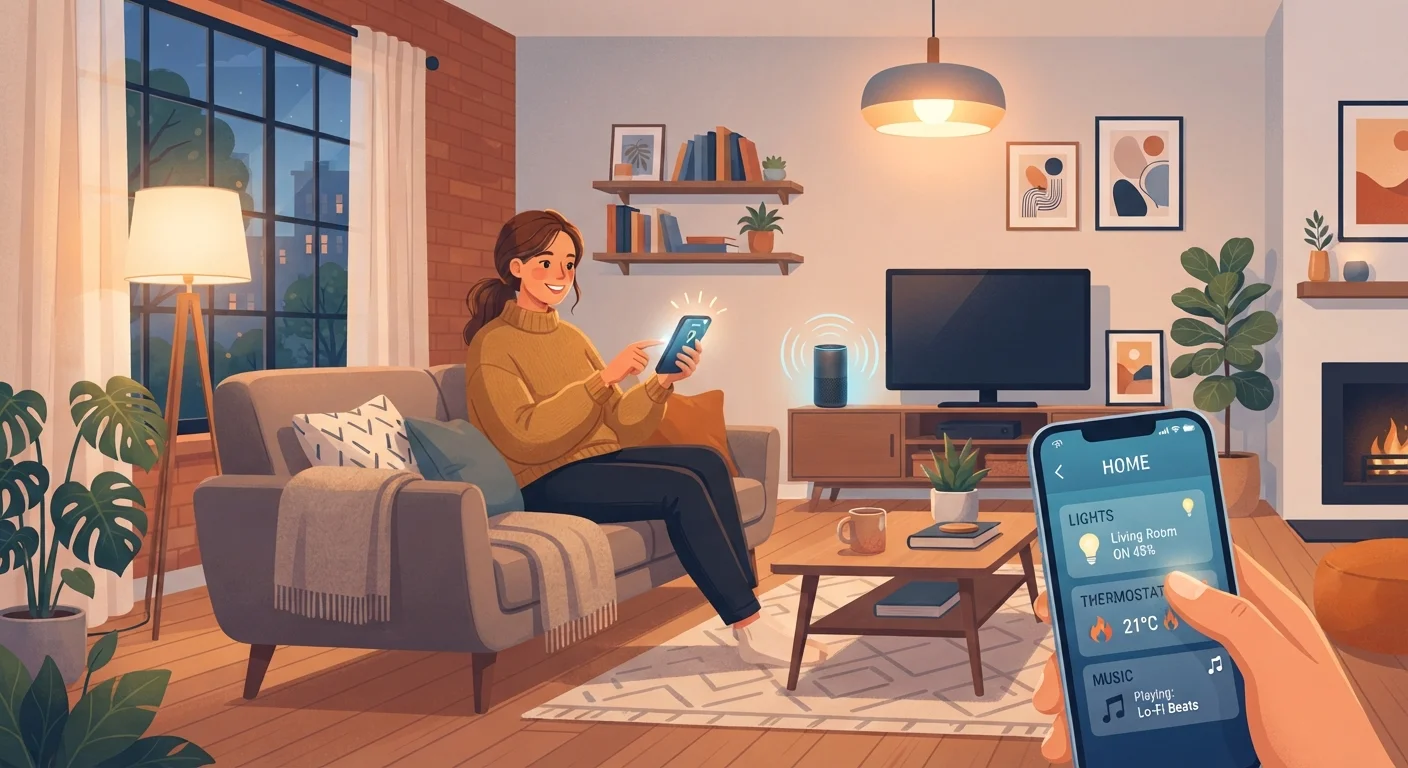
That's a broad definition on purpose. A single smart plug that you turn on from your phone counts. So does a fully automated system where your lights dim when a movie starts and your thermostat adjusts when you leave the house. Both are "smart homes" - just at very different scales.
The important thing to understand is that connectivity and automation are not the same thing. Remote control means you can operate a device from anywhere. Automation means you've set rules so the device acts on its own under certain conditions. Many people use smart devices in remote-control mode only, and that's completely valid.
"Smart Home" Has No Official Definition
There's no industry-wide or regulatory standard that determines what qualifies as a smart home device. Manufacturers apply the label broadly, so it's more useful to ask what a specific device actually does - what it connects to, what it automates, and what it requires from you - rather than relying on marketing terminology.
What Smart Home Technology Actually Does
At its core, a smart home device does one or more of three things:
- Reports information - a sensor tells you the temperature, motion detector logs activity, or a camera streams video.
- Accepts remote commands - you tap your phone to lock the front door or turn off a light you forgot to switch off.
- Runs automated routines - a schedule or trigger (like sunset, or arriving home) activates a device without you touching anything.
What smart home technology does not do is think for itself. These devices follow rules you set - or rules set by default in an app. If something unexpected happens that you haven't accounted for, the device won't adapt on its own. You're still the decision-maker; the tech just executes those decisions faster or more conveniently.
For a practical overview of how these pieces fit together, see Smart Home Technology From First Device to Full Setup.
~57%
US households with at least one smart home device
According to Statista estimates, more than half of American households owned at least one connected home device as of the early 2020s.
#1
Most common first smart home device
Smart speakers and smart lighting consistently rank as the most common entry points into smart home technology, based on consumer research surveys.
3+
Average connected devices per smart home user
Industry research suggests that once consumers adopt one smart home device, most add additional devices over time, typically reaching three or more.
What a Smart Home Still Requires From You
One of the most common misconceptions is that a smart home runs itself. It doesn't - at least not without significant upfront effort and ongoing attention. Here's what still lands on the homeowner:
- Initial setup: Devices need to be installed, connected to your network, and configured in an app. This ranges from simple to genuinely fiddly depending on the product.
- Maintenance: Software updates, battery replacements, and occasional troubleshooting are all part of owning connected devices.
- Dependency on services: Many smart devices rely on a manufacturer's cloud servers. If that company changes its service, raises prices, or shuts down, your devices may stop working - even though the hardware is fine. Understanding the difference between local and cloud-dependent control is worth knowing before you invest.
None of this is a reason to avoid smart home tech - it's just a reason to go in with accurate expectations. If you'd rather start small and simple, setting up a smart home without turning it into a tech project is entirely achievable.
Start With One Problem, Not One Ecosystem
Before buying any smart home device, identify a specific friction point in your daily routine - forgetting to turn off lights, manually adjusting the thermostat, or monitoring a package delivery. Choose a device that solves that one problem. Buying into a full ecosystem before you know what you actually want tends to create more complexity than convenience.
Privacy and Data: The Part Most People Skip
Smart devices collect data - sometimes a lot of it. A smart thermostat logs when you're home and when you're not. A doorbell camera records who comes and goes. A voice assistant listens for its wake word, which means it's always partially on.
This data is typically sent to and stored on the manufacturer's servers. How it's used, who can access it, and how long it's kept varies by company and is spelled out in privacy policies that most people never read.
That's not a reason to panic, but it is a reason to be intentional. Understanding what a device collects and why - before it's installed - puts you in a much better position than discovering it afterward. Questions worth asking: Does this device need to be cloud-connected to do what I want? Does the app require account creation? Can I limit what data it shares?
For a grounded look at where connected home technology genuinely helps versus where it adds complexity, see The Case Against Automating Everything. And if you've seen claims about major energy savings from smart devices, Common Myths About Smart Home Energy Savings separates what holds up from what doesn't.
Frequently Asked Questions
No. Smart speakers like voice assistants are one way to control devices, but they're optional. Many smart devices are managed entirely through a smartphone app, and some can be automated without any voice control at all.
Some do and some don't. Devices that rely on cloud servers stop working - or lose key features - when your internet goes down. A small number of devices use local control, meaning they work on your home network without needing to reach an outside server. The distinction matters and is worth checking before you buy.
Not automatically. Smart locks and cameras can add security layers, but every internet-connected device is also a potential entry point for hackers if not properly secured. Strong, unique passwords and regular firmware updates are essential.
Costs vary enormously - a single smart plug costs a few dollars, while a professionally installed full-home system can run into thousands. Most people start small with one or two devices and expand over time. There's no single "right" setup or budget.
Potentially, but results vary and aren't guaranteed. A smart thermostat can reduce heating and cooling costs if used thoughtfully, but many other smart devices have a negligible impact on energy use. Claims about dramatic savings often overstate what typical households actually experience.
The content on this site is for informational purposes only and is not a substitute for professional advice. Always consult a qualified professional for guidance specific to your situation.