

Our Verdict
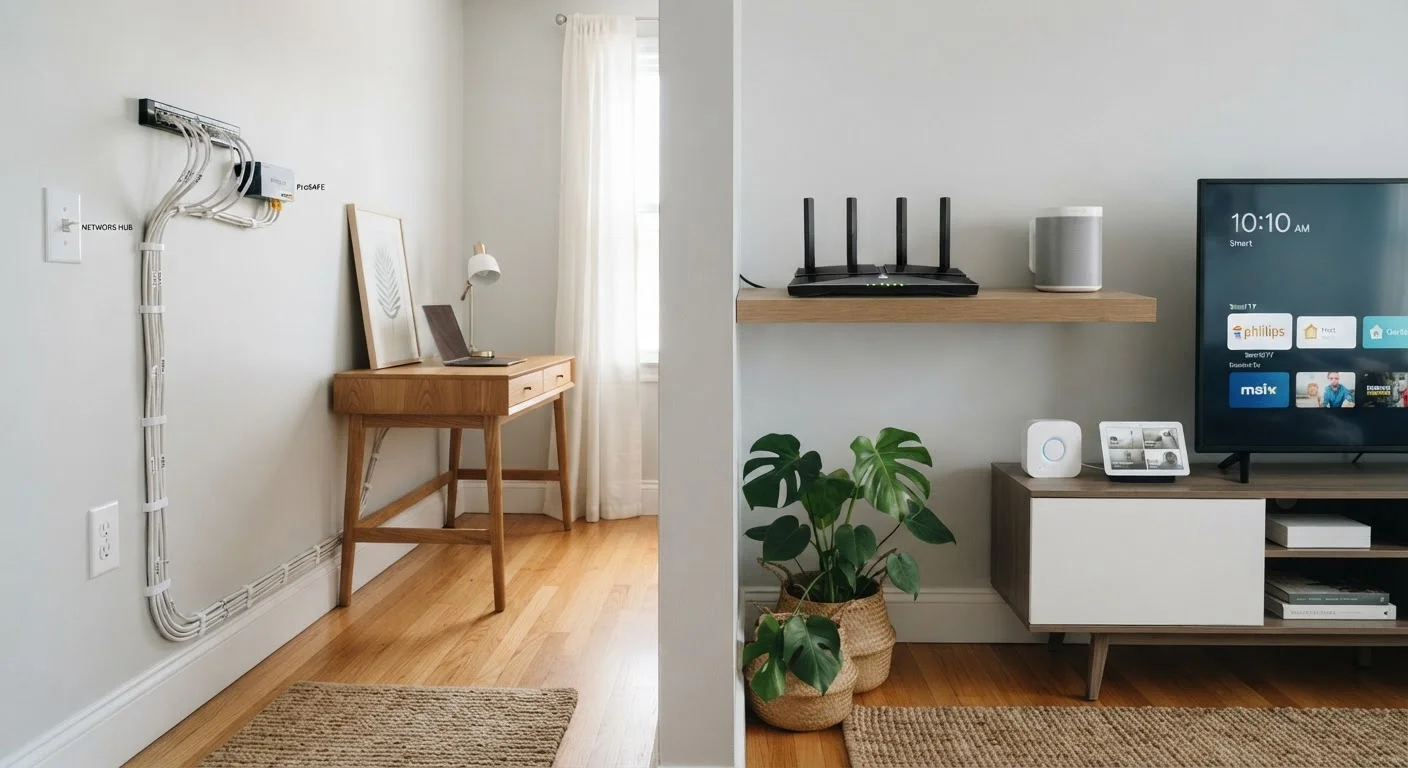
Neither wired nor wireless smart home devices are universally better - the right choice depends on your home's construction, how permanent you want the setup to be, and how much reliability matters for a given device. Wired excels for always-on systems like security cameras and hardwired locks; wireless wins for flexibility and ease of setup.
| Best for | Recommended |
|---|---|
| Homeowners planning a renovation or building new | Wired |
| Renters or those who want a low-commitment start | Wireless |
| Security-critical applications like cameras and alarms | Wired |
| Most everyday smart home beginners | Wireless |
The Core Difference
In a wired smart home setup, devices connect to your network - and to each other - using physical cables, typically Ethernet. Hardwired systems can also refer to devices like light switches or thermostats that are permanently wired into your home's electrical system rather than running on batteries.
Wireless smart home devices connect over radio signals instead. Depending on the device, that could mean Wi-Fi, Bluetooth, Zigbee, Z-Wave, or Thread. Each protocol has its own range, bandwidth, and power characteristics - a topic worth exploring if you're planning a larger setup. See our guide to wireless smart home protocols for a breakdown of how they differ.
Understanding which category a device falls into helps you anticipate what installation looks like, how dependable it will be day to day, and what happens when something goes wrong.
Where Wired Setups Have the Edge
The main argument for wired devices comes down to consistency. A physical cable doesn't compete for signal bandwidth, doesn't drop out when your neighbor's router changes channels, and doesn't depend on battery charge. For systems where reliability isn't optional - door locks, security cameras, hardwired smoke detectors - a direct connection typically outperforms wireless alternatives.
Wired networks also handle data-heavy tasks better. A security camera streaming high-definition footage continuously puts real strain on Wi-Fi; running that camera over a wired connection removes that constraint entirely.
Plan Wiring During Renovations
If you're renovating or remodeling any part of your home, it's worth consulting a low-voltage technician about running Ethernet or other cabling at the same time. Adding cable infrastructure while walls are open is dramatically cheaper and less disruptive than doing it later. Even if you don't plan to use it immediately, the conduit will be there when you need it.
The trade-off is installation. Running cables through walls and ceilings is labor-intensive and often disruptive. It's most practical during a renovation or new construction, when walls are already open. Retrofitting a wired network into a finished home generally means hiring an electrician or low-voltage technician, and costs can add up quickly.
Where Wireless Devices Make More Sense
Wireless smart home devices dominate the consumer market for good reason: they're far easier to install. Plug in a smart plug, download an app, connect it to your Wi-Fi - done. No drilling, no running cable, no permits required in most cases. That accessibility matters enormously for anyone who wants a connected home without a construction project.
Wireless devices are also relocatable. If you move a lamp to a different room or decide that smart speaker belongs in the kitchen now, you just pick it up and move it. Wired devices don't offer that flexibility.
| Wired | Wireless | |
|---|---|---|
| Installation difficulty | High - often requires professional help | Low - typically DIY-friendly |
| Connection reliability | Very high - no signal interference | Moderate - subject to interference and range limits |
| Flexibility / relocatability | Low - fixed installation | High - easy to move and reposition |
| Upfront cost | Higher - cabling, labour | Lower - device cost only in most cases |
| Battery maintenance | Not required (mains-powered) | Required for battery-operated devices |
| Best suited for | Security cameras, alarms, AV systems | Lights, plugs, sensors, speakers |
The practical limitations are real though. Wireless devices can struggle with range in larger homes or those with thick concrete or brick walls. Devices running on batteries need periodic recharging or replacement - something easy to forget until a sensor stops reporting. And in a home with dozens of connected devices, Wi-Fi congestion becomes a genuine issue. That's one reason mesh-network systems and low-power protocols like Zigbee have grown popular. For a broader look at building out a setup sensibly, see our smart home setup guide.
Reliability, Security, and the Cloud Factor
Both wired and wireless smart home devices can be cloud-dependent - meaning they need an active internet connection and a company's servers to function fully. This is a separate question from whether the physical connection is a cable or a radio signal, and it's worth keeping distinct in your thinking. Our article on local control vs. cloud-dependent smart home explains the practical implications in detail.
From a security standpoint, wired devices present a smaller attack surface for wireless intrusion - there's no radio signal to intercept. That said, any device connected to your home network carries some risk, wired or not. Good network hygiene (strong passwords, firmware updates, a dedicated IoT network segment if your router supports it) matters regardless of how a device connects.
Most households find a hybrid approach most practical: wired infrastructure for backbone systems like networking equipment, security cameras, or hardwired sensors, and wireless devices for lighting, plugs, speakers, and anything that benefits from flexibility. If you're weighing whether all this automation is worth it in the first place, it's also worth reading where smart home tech falls short.
The content on this site is for informational purposes only and is not a substitute for professional advice. Always consult a qualified professional for guidance specific to your situation.