

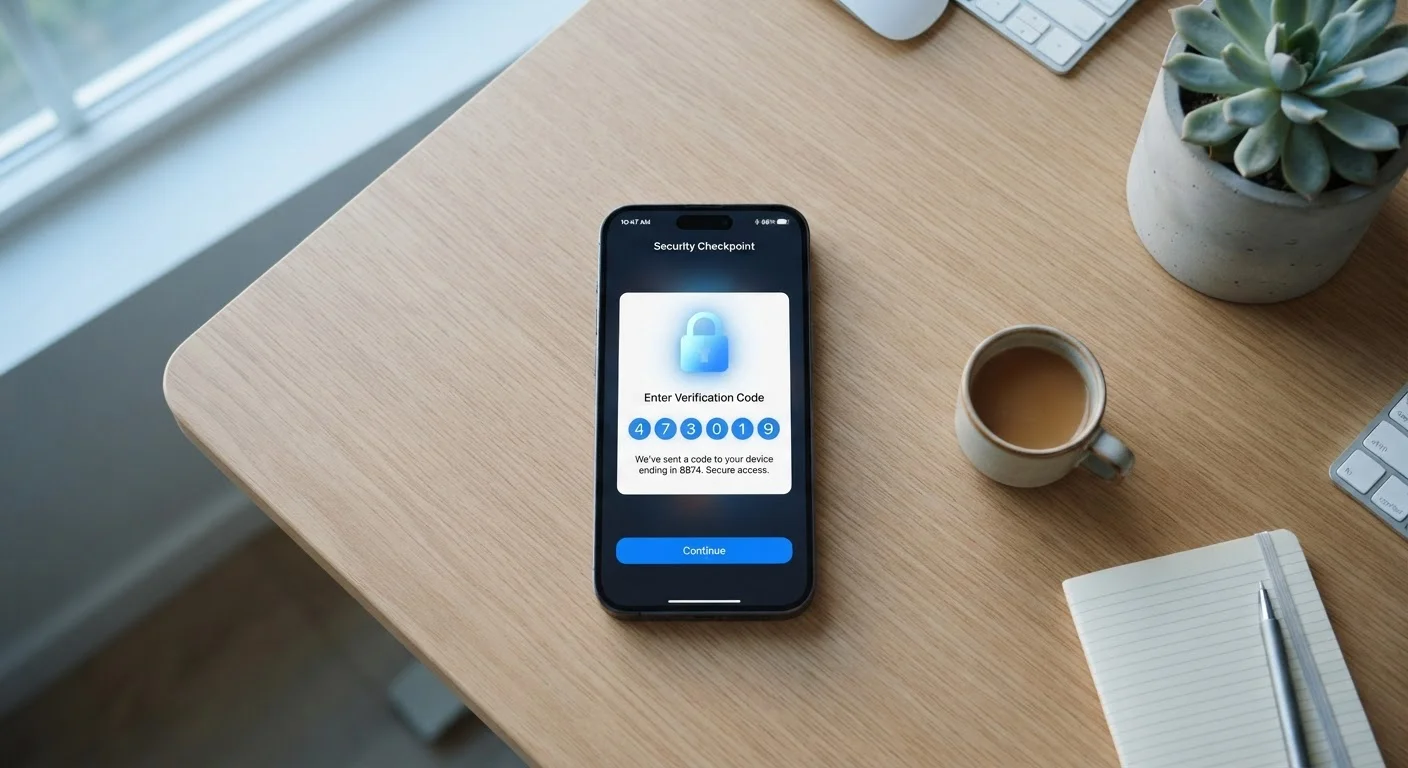
Why One Lock Isn't Always Enough
Passwords are the most common way to protect an account, but they have a serious weakness: once someone else knows yours, they're in. Data breaches expose millions of passwords every year, and people often reuse the same password across multiple sites - so one leak can unlock several accounts at once.
Two-factor authentication (2FA) addresses this by adding a second checkpoint. Think of it like a safe-deposit box at a bank: the bank has one key, and you have another. Neither key alone opens the box. With 2FA, your password is one key. The second key changes every time - it's a temporary code or physical confirmation that proves you're actually the person sitting at that login screen.
This matters because most automated account-takeover attacks rely on stolen passwords. When 2FA is turned on, a thief with your password hits a wall they usually can't get past. According to Google's research, adding a second factor blocks a high percentage of automated attacks on accounts.
99.9%
Of automated account attacks blocked by MFA
Microsoft has reported that multi-factor authentication blocks approximately 99.9% of automated account compromise attacks.
80%+
Of data breaches involve weak or stolen passwords
Verizon's annual Data Breach Investigations Report has consistently found that compromised credentials are involved in the majority of breaches.
How the Second Factor Actually Works
When you log in with 2FA enabled, you enter your password as usual. The site or app then asks for a second piece of proof. That proof can arrive in a few different ways:
- Text message (SMS): A short numeric code is sent to your phone. You type it in within a minute or two before it expires.
- Authenticator app: An app on your phone (such as one from your email or device provider) generates a fresh six-digit code every 30 seconds. You open the app, read the code, and enter it.
- Push notification: Some services send a pop-up to your phone asking you to tap "approve" or "deny" the login attempt.
- Hardware security key: A small physical device you plug into your computer or tap against your phone. Less common for everyday use, but very secure.
Each method has a different balance of convenience and security. SMS is the easiest to set up; authenticator apps offer stronger protection. See our common account security missteps for more on why SMS has some limitations worth knowing about.
Use an Authenticator App When You Can
If a service offers both SMS codes and an authenticator app, choose the app. Apps like those built into your phone's operating system generate codes locally without sending anything over the cellular network, which makes them harder to intercept. Setup takes about two minutes and is usually found in the same security settings where you enabled 2FA.
Where to Turn It On First
Not every account carries the same risk, so it's worth being strategic about where you enable 2FA first. Your email account is the top priority - it's the master key that can reset almost everything else. After that, focus on banking and financial accounts, then social media and any account linked to a payment method.
Most major services - email providers, banks, social platforms - have 2FA in their security or privacy settings. Look for labels like "Two-step verification," "Login verification," or "Multi-factor authentication." Setup usually takes less than five minutes.
Pairing 2FA with strong, unique passwords gives you a much more resilient defense. Our guide to password managers covers how to manage unique passwords without memorizing dozens of them. For a broader view of mobile security habits, The Everyday Person's Guide to Smartphone Security is a solid next read.
The Limits of 2FA - And One Key Risk to Know
Two-factor authentication significantly raises the bar for attackers, but it's not a guarantee. The main threat that can still get around it is phishing - fake login pages designed to look like real ones. If you're tricked into entering both your password and your 2FA code on a convincing fake site, an attacker can use those credentials in real time before the code expires.
The safest habit: always navigate to a site by typing the address directly or using a saved bookmark rather than clicking a link in an email or text. If something prompts you for a login unexpectedly, treat it with suspicion before entering anything.
SIM Swapping: A Known SMS Weakness
SIM swapping is a scam where an attacker contacts your mobile carrier, impersonates you, and convinces the carrier to transfer your phone number to a SIM card the attacker controls. After that, any text-based 2FA codes go to them. It's relatively uncommon but does happen, particularly targeting people with high-value accounts. Switching to an authenticator app eliminates this specific risk.
Despite this limitation, using 2FA is still strongly recommended. The vast majority of account takeovers happen through automated credential-stuffing attacks - where stolen username-and-password combinations are tried across thousands of sites at once. Two-factor authentication stops almost all of those cold.
Frequently Asked Questions
Most services provide backup codes when you set up 2FA - save these somewhere safe, like a printed copy stored securely at home. If you lose access entirely, services have account recovery processes, though they can take time. It's good practice to set up 2FA on a second device if the service allows it.
Yes, generally. SMS codes can be intercepted through a technique called SIM swapping, where a scammer tricks your carrier into transferring your number to their device. Authenticator apps generate codes locally on your phone and don't travel over the phone network, making them harder to intercept.
A strong password is important, but it can still be stolen through data breaches, phishing, or malware. Two-factor authentication acts as a backup layer so that a compromised password alone isn't enough for someone to access your account.
Start with accounts that hold sensitive information or money: your email, online banking, and any account tied to a payment method. Your email is especially important because it's often used to reset passwords for every other account you own.
Yes. Most services let you disable 2FA in your account security settings at any time. That said, turning it off does reduce your account's protection, so it's worth keeping it active on important accounts.
The content on this site is for informational purposes only and is not a substitute for professional advice. Always consult a qualified professional for guidance specific to your situation.