

What the Sensor Actually Does
At the heart of every smartphone camera is a small electronic sensor - usually called a CMOS sensor. When you tap the shutter, millions of tiny light-sensitive areas on that sensor measure the color and intensity of the light hitting them. Each one of those areas corresponds to a pixel in your final photo.
Sensor size matters more than pixel count. A larger sensor captures more light per pixel, which means cleaner, less grainy images - especially in low-light situations. That's why dedicated cameras with physically bigger sensors still tend to outperform phones in challenging lighting, even when a phone claims a higher megapixel count.
Phone manufacturers have found ways to compensate, including a technique called pixel binning. A high-megapixel sensor can combine groups of adjacent pixels into one larger, more light-sensitive unit. This is why a 50-megapixel phone often saves photos at 12 or 13 megapixels by default - the phone is merging pixels to improve quality, not discarding data.
12-50 MP
Typical main camera megapixel range on smartphones
Modern flagship phones vary widely in advertised resolution, but pixel binning means the saved file resolution is often lower than the sensor's maximum.
f/1.4-f/2.0
Common aperture range for main smartphone lenses
Wider apertures in this range allow significantly more light than compact cameras from a decade ago, improving low-light performance considerably.
Lenses, Aperture, and Zoom - Demystified
The glass lens focuses light onto the sensor. Aperture describes how wide that opening is, expressed as an f-number. A lower f-number (like f/1.6) means a wider opening and more light reaching the sensor - useful in dim rooms or at night. Smartphone lenses typically have a fixed aperture, meaning you can't adjust it the way you can on a traditional camera.
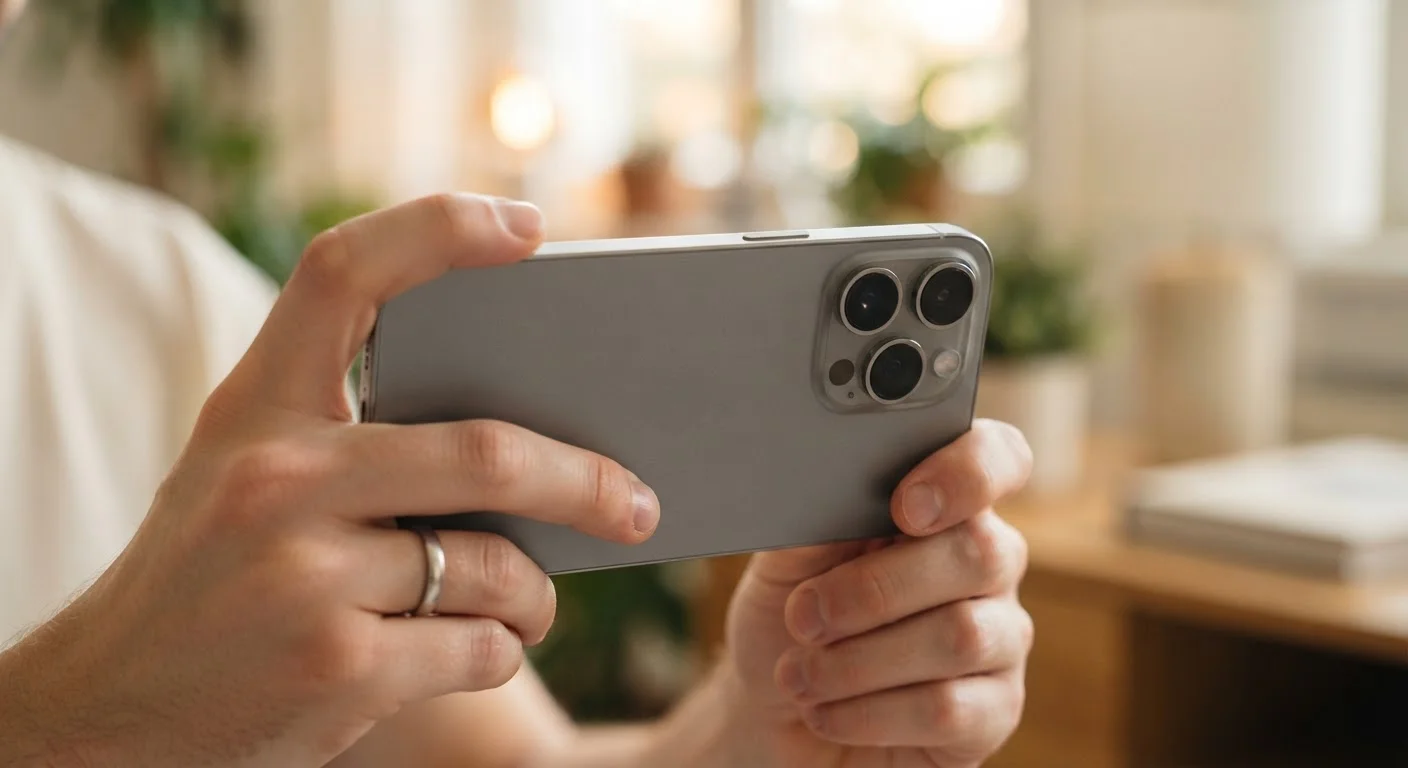
Most current phones carry at least two or three physical cameras on the back: a main wide-angle lens, an ultrawide lens for capturing broad scenes, and often a telephoto lens for zooming in. When you pinch to zoom on screen, the phone switches between these physical lenses up to a point - that's optical zoom, and quality stays sharp. Push past that range and the phone starts cropping the image digitally, which is called digital zoom and noticeably reduces sharpness.
Use Optical Zoom Whenever Possible
Before zooming in on your phone, check what level your optical zoom maxes out at - usually marked in the camera app as 2x, 3x, or 5x depending on your device. Stay within that range for sharp results. Digital zoom beyond those markers is essentially just cropping, and the quality difference shows up clearly when you view the image at full size.
How Software Shapes Every Photo You Take
The biggest leap in phone photography over the past decade hasn't come from glass - it's come from software. After the sensor captures light, your phone's image signal processor runs a chain of operations before the photo is saved: noise reduction, color correction, sharpening, and dynamic range adjustments all happen in a fraction of a second.
HDR mode (High Dynamic Range) captures multiple exposures in rapid succession and merges them, so bright areas don't wash out and dark areas don't go completely black. Night mode extends this further, stacking many low-light frames to accumulate enough signal for a usable image. The phone also aligns those frames to compensate for any slight hand movement.
Portrait mode uses depth estimation - sometimes aided by a dedicated depth sensor - to identify the subject and blur everything behind it. On most phones, this blur is entirely software-generated and not a product of the lens optics. For a deeper look at how your phone handles data from features like this, see our guide on camera data and privacy.
AI Processing Is Now Part of Every Photo
Virtually every smartphone sold today applies some degree of machine learning to photos - whether that's scene recognition adjusting contrast for a sunset, or a skin-smoothing filter applied automatically in portrait mode. These adjustments happen invisibly and are often on by default. If you prefer a more unprocessed look, some camera apps offer a 'pro' or 'RAW' mode that reduces software intervention and saves the raw sensor data instead.
Practical Takeaways for Everyday Shooting
Understanding what your phone is doing makes it easier to get better results. Keep these habits in mind:
- Tap to focus and expose. Tapping on a specific area in your viewfinder tells the phone where to focus and what brightness to optimize for - don't leave this to chance on tricky shots.
- Hold still during night mode. Since the phone is collecting frames over a second or more, any movement creates blur. Lean against a wall or set the phone on a surface if you can.
- Avoid heavy digital zoom. Stick within the optical zoom range for anything you actually want to share or print. The image quality drop at high digital zoom magnifications is significant.
- Check which lens you're using. If your photos look distorted or unusually wide, you may have accidentally switched to the ultrawide camera. Look for a lens indicator in your camera app.
If you're curious about other features sitting quietly in your phone's settings, the hidden smartphone features guide is worth a look. And for a broader rundown of what all those connectivity options mean, check out our plain-English guide to Wi-Fi, mobile data, and Bluetooth.
Frequently Asked Questions
Not necessarily. Megapixels only measure how many pixels the sensor captures - they say nothing about color accuracy, low-light performance, or lens quality. A 12-megapixel camera with a large sensor and good optics often outperforms a 50-megapixel camera with a tiny sensor in real-world conditions.
Optical zoom physically moves lens elements or switches to a dedicated telephoto lens, so image quality stays sharp. Digital zoom simply crops into the existing image and stretches it, which reduces quality. On phones with multiple cameras, zoom up to a certain magnification is optical; beyond that, it's digital.
Night mode captures several frames over a second or two, then stacks them together to build up enough light information for a bright, clear photo. The longer the scene is dark, the more frames the phone needs. Holding the phone still during this process helps avoid blur.
On most smartphones, portrait mode blur is simulated using software. The phone estimates the depth of objects in the scene - sometimes using a secondary depth-sensing camera - and applies artificial blur to anything it identifies as background. True optical background blur requires much larger lenses.
Aperture refers to the size of the opening in the lens that lets light in. It's expressed as an f-number - a lower number like f/1.6 means a wider opening and more light, which helps in dim conditions. Unlike DSLR cameras, most smartphone lenses have a fixed aperture that cannot be changed.
The content on this site is for informational purposes only and is not a substitute for professional advice. Always consult a qualified professional for guidance specific to your situation.