

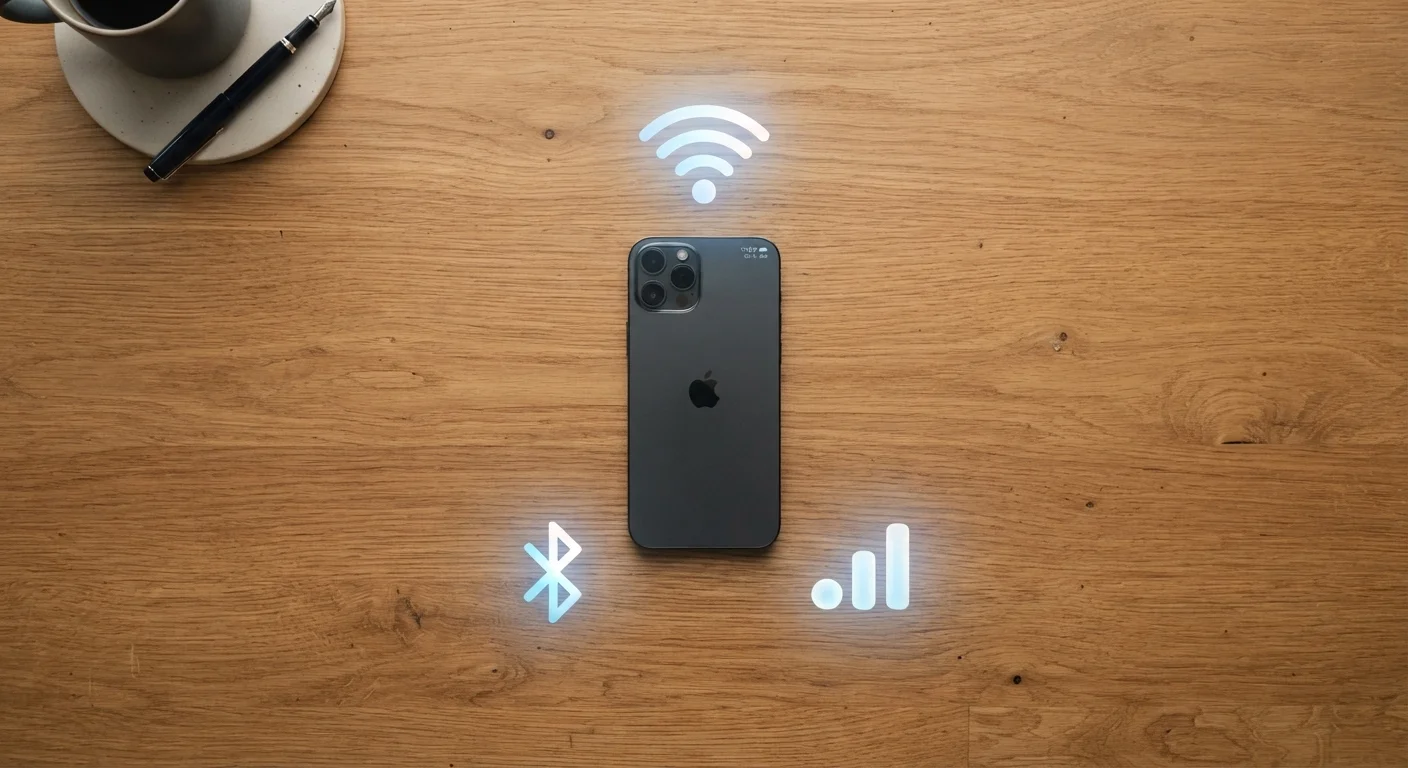
What's the Difference - and Why Does It Matter?
Your phone is almost always connected to something wirelessly. But Wi-Fi, mobile data, and Bluetooth are three different technologies that do three very different jobs. Mixing them up can lead to surprise data charges, sluggish speeds, or a speaker that won't pair. This reference breaks each one down so you always know what your phone is doing and why.
| Wi-Fi purpose | Internet access via local router |
| Mobile data purpose | Internet access via carrier cell towers |
| Bluetooth purpose | Direct device-to-device pairing (no internet required) |
| Typical Wi-Fi indoor range | Up to a few hundred feet |
| Typical Bluetooth range | ~30 feet under ideal conditions |
| Uses your data plan? | Wi-Fi: No | Mobile data: Yes | Bluetooth: No |
For a deeper look at how your phone's other features work under the hood, see what your phone's storage numbers actually mean.
Wi-Fi: Your Home Network Connection
Wi-Fi connects your phone to the internet through a wireless router - the box your internet provider installed in your home, office, or local coffee shop. Data travels from that router to your device without a physical cable.
- Range: Typically up to a few hundred feet indoors, less through walls and floors.
- Speed: Generally faster than mobile data for downloading large files, streaming video, or video calls.
- Cost: Uses your home internet plan, not your cellular data allowance.
- Best for: Streaming, software updates, large downloads, and anything you do at home or in a known location.
One thing to keep in mind: public Wi-Fi networks (airports, cafés, hotels) are shared and generally less secure than your home network. For tips on staying safer on open networks, see the Everyday Person's Guide to Smartphone Security.
Wi-Fi
A wireless networking technology that connects devices to the internet through a local router. It operates over short to medium distances and is commonly used in homes, offices, and public venues.
Mobile data (cellular data)
Internet access provided by your wireless carrier through cell towers. It works wherever your carrier has coverage and draws from your monthly data allowance.
Bluetooth
A short-range wireless technology used to connect two devices directly - such as a phone and headphones - without using the internet or a router.
4G LTE
The fourth generation of cellular network technology. LTE stands for Long-Term Evolution. It provides reliable mobile internet speeds for most everyday smartphone tasks.
5G
The fifth generation of cellular network technology, designed to deliver faster speeds and lower latency than 4G LTE. Availability varies significantly by location and carrier.
Router
A device that connects your home or office network to the internet and broadcasts a Wi-Fi signal. Devices connect to it wirelessly or via an Ethernet cable.
Mobile Data: Your Carrier's Network
Mobile data (also called cellular data) connects your phone to the internet through your wireless carrier's network - the same infrastructure that handles phone calls. Your phone communicates with cell towers rather than a nearby router.
- Range: Wherever your carrier has coverage - potentially miles from any router.
- Speed: Varies widely by network generation. 4G LTE is reliable for most everyday tasks; 5G can be significantly faster in supported areas.
- Cost: Counts against your monthly data plan. Large downloads or video streaming can consume your allowance quickly.
- Best for: Navigating, browsing, and staying connected when you're away from a known Wi-Fi network.
Public Wi-Fi: Convenience Comes With Trade-offs
Open Wi-Fi networks at cafés, airports, and hotels don't require a password, which also means other people on the same network can potentially see some of your activity. For sensitive tasks like banking or entering passwords, mobile data is generally a safer choice when you're away from a trusted network. If you rely on public Wi-Fi regularly, a VPN (virtual private network) adds a layer of privacy.
Your phone automatically prefers Wi-Fi over mobile data when both are available - that's intentional behavior meant to conserve your data plan.
Bluetooth: Short-Range Device Pairing
Bluetooth is not an internet connection. It's a short-range radio link between two devices - your phone and a speaker, headphones, car stereo, keyboard, or fitness tracker. It doesn't use your data plan or your Wi-Fi router at all.
- Range: About 30 feet under ideal conditions; walls and interference reduce this.
- Speed: Adequate for audio and small data transfers; not suited for large file transfers or streaming video.
- Cost: No data plan usage. Uses a small amount of battery.
- Best for: Wireless audio, hands-free calling, connecting accessories, and syncing fitness devices.
Bluetooth plays a much bigger role in smart home setups than most people realize. See wired vs. wireless smart home device trade-offs for context on how these wireless standards compare in connected home scenarios. For a broader look at protocols like Zigbee and Z-Wave, see Wi-Fi, Zigbee, Z-Wave, and Thread explained.
3
Distinct wireless technologies in most smartphones
Wi-Fi, mobile data, and Bluetooth each serve a separate purpose and operate on different radio frequencies.
~30 ft
Typical Bluetooth effective range
Most consumer Bluetooth devices are rated for roughly 30 feet, though walls and interference can reduce this in practice.
Quick Decision Guide: Which Should You Use?
Here's a simple way to think about choosing between the three:
- Are you at home or a trusted location with Wi-Fi? Connect to Wi-Fi. It's usually faster and won't eat into your data plan.
- Are you out and need internet access? Mobile data is your fallback. Be mindful of large downloads if your plan has a cap.
- Are you connecting to a device - not the internet? Bluetooth is the right tool. It doesn't need Wi-Fi or mobile data to work.
Some phone settings worth knowing: you can turn any of these off individually to save battery or limit background activity. The smartphone features most people never turn on article covers useful settings that sit quietly in your phone waiting to be discovered.
The content on this site is for informational purposes only and is not a substitute for professional advice. Always consult a qualified professional for guidance specific to your situation.