

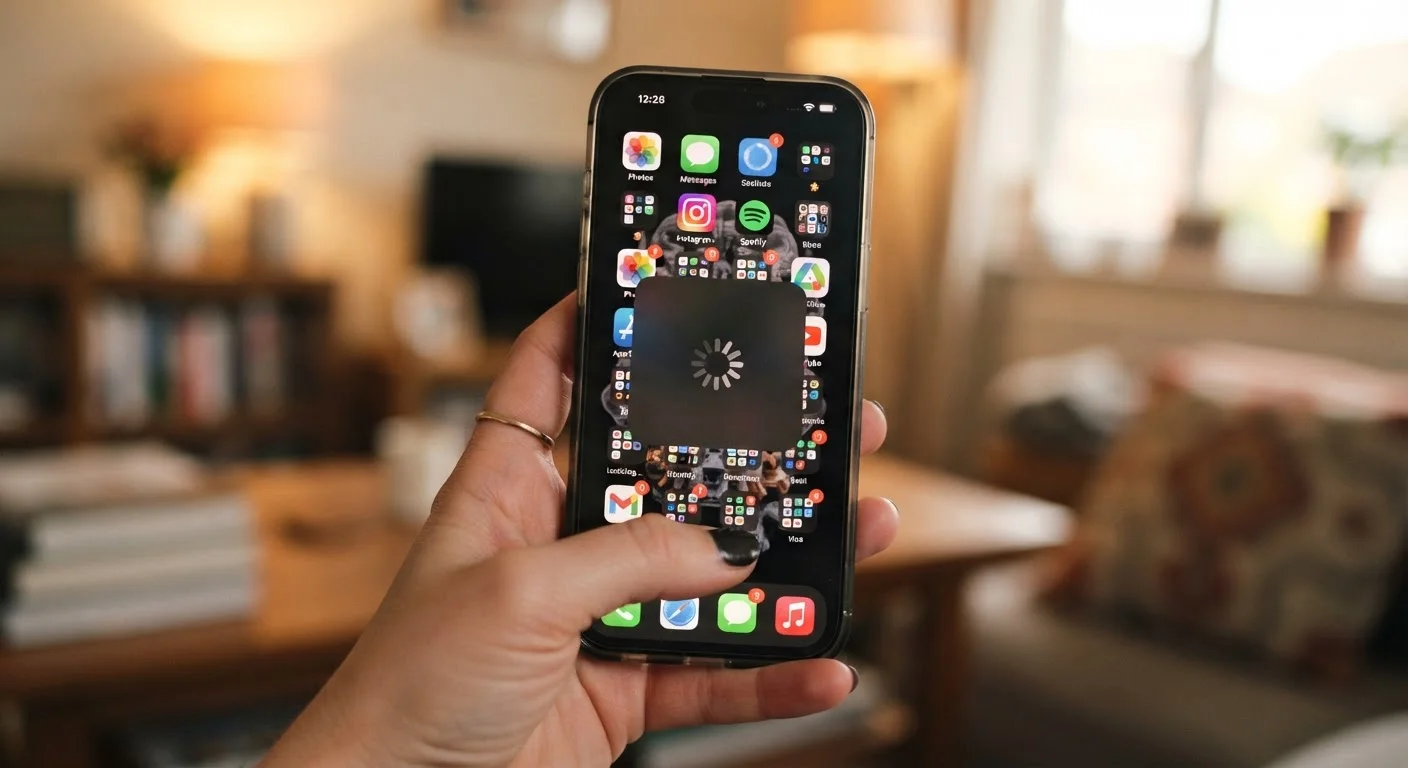
Why Your Phone Feels Slower Than It Should
When a smartphone starts lagging, the natural assumption is that the hardware has worn out and it's time to upgrade. That conclusion is often wrong. The vast majority of everyday slowdowns come from software behavior, storage strain, and settings that quietly work against you - all of which are fixable without spending a dollar.
Understanding what's actually happening inside your phone makes it much easier to diagnose the real cause. Your phone's processor and memory haven't degraded the way a car engine might - but the software environment running on top of that hardware gets messier over time if it isn't maintained. Think of it like a desk that gets harder to work at when it's buried under clutter.
The mistakes below are the most common reasons an otherwise capable phone starts to feel sluggish. Working through them systematically is always worth doing before drawing any conclusions about your hardware. You might also be surprised by features already on your phone that can help - see built-in settings most people overlook for a useful starting point.
Common Mistakes That Slow Your Phone Down
Never restarting your phone for days or weeks at a time.
Why it happens: Modern phones are designed to stay on, so restarting feels unnecessary - especially if everything still technically works.
Letting storage fill up to 90% or more of total capacity.
Why it happens: Photos, downloads, and app data pile up gradually, and most people don't notice until the phone starts warning them.
Ignoring available operating system and app updates.
Why it happens: Update prompts feel disruptive, and many people assume updates are mostly about new features rather than performance fixes.
Running too many apps in the background simultaneously.
Why it happens: It's easy to open app after app throughout the day without closing any, assuming the phone manages it automatically.
Using animated wallpapers, live widgets, and heavy visual effects.
Why it happens: These features look appealing and phones ship with them available, so users naturally try them out without considering the processing cost.
One issue that often goes unnoticed: your phone's performance and its battery health are more connected than most people realize. A degraded battery can cause the processor to throttle its speed to stay within safe power limits. If you've ruled out the software causes above and your phone is more than a couple of years old, it's worth reading about how battery health actually affects your phone.
Don't Rush to Replace Your Phone
Many people buy a new device after concluding their current phone is "too slow," when the real cause is a fixable software or storage problem. Working through the common issues below takes less than an hour and could add years to your phone's useful life. Replacement is worth considering only after these steps have been ruled out.
When to Actually Worry About Hardware
After addressing storage, background apps, updates, and visual settings, most phones respond with a clear improvement. If yours still lags badly after all of that, there are a few legitimate hardware considerations worth knowing about.
Processors in smartphones do not degrade the way mechanical parts do, but battery wear - as noted above - can cause the system to throttle performance to compensate for reduced power delivery. Many phone manufacturers allow battery replacements at a lower cost than a full device replacement, and some will display your battery health percentage directly in settings so you can gauge where things stand.
Overheating is another signal worth paying attention to. A phone that runs hot during normal tasks, not just heavy gaming or video, may have an app misbehaving in the background or a hardware issue worth having looked at by a technician. In the meantime, make sure your home Wi-Fi setup isn't contributing unnecessary strain - a poorly configured network can cause apps to retry connections constantly, which adds background load. The article on network issues that affect connected devices covers that angle well.
The bottom line: treat hardware as a last resort explanation, not a first assumption. Most slow phones just need a little maintenance.
The content on this site is for informational purposes only and is not a substitute for professional advice. Always consult a qualified professional for guidance specific to your situation.