

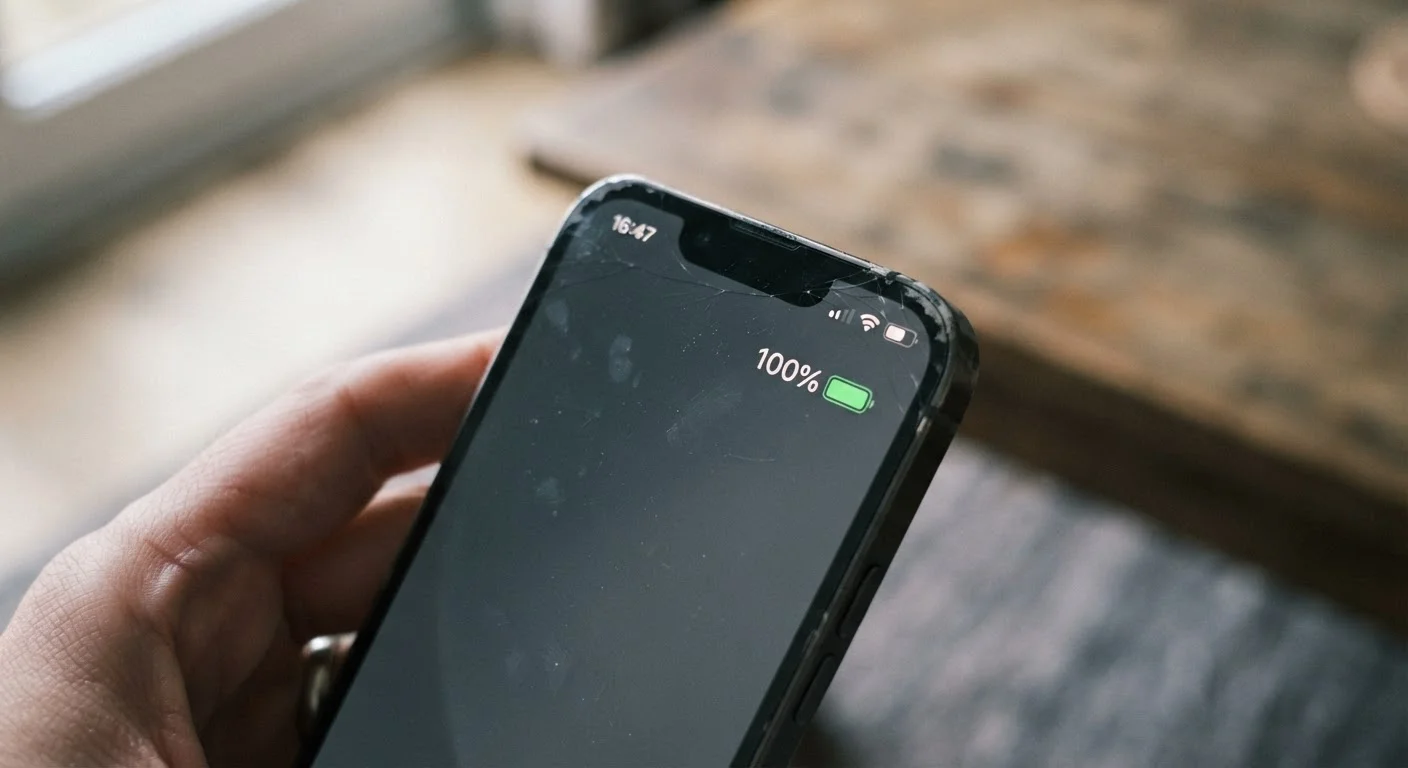
Why Your Battery Percentage Isn't Always Honest
Your phone tells you it's at 100%. An hour later, it's at 73% - and you barely used it. Sound familiar? The culprit isn't some mysterious software bug. It's the fundamental way lithium-ion batteries work, and how phones estimate their charge level.
Phones don't actually measure charge directly the way a fuel gauge measures liquid. Instead, they track voltage and use that to estimate a percentage. The problem: voltage behavior changes as a battery ages. The phone's internal software - called a battery management system - uses a model that was calibrated for a brand-new battery. Over time, that model drifts from reality, producing readings that feel unreliable.
This is especially common after a battery has been through hundreds of charge cycles. If your phone suddenly jumps from 30% to shutting off, or from 15% to plugging in at 4%, that's drift in action - not a glitch.
Myth
A full 100% charge means your battery is completely healthy and working at full capacity.
Fact
100% simply means the battery is at its current maximum - which shrinks as the battery ages.
Lithium-ion batteries degrade with every charge cycle. After a year or two of regular use, a battery that once held, say, 3,500 mAh might only hold 2,900 mAh. Your phone still shows 100%, but that full charge now delivers less runtime than it originally did. The percentage is relative to current capacity, not original capacity.
Myth
Leaving your phone plugged in overnight constantly ruins the battery.
Fact
Modern phones are designed to stop actively charging once they reach 100%, so overnight charging alone won't destroy a battery.
Smartphones have built-in protections that prevent genuine overcharging. What does cause gradual wear is the phone cycling between 99% and 100% repeatedly while plugged in, combined with heat from the charger. Many phones now include an optimized or adaptive charging mode that pauses at 80% and tops up just before you'd typically unplug - worth enabling if your phone offers it.
Myth
You should always drain your battery completely before recharging to keep it calibrated.
Fact
Fully draining a lithium-ion battery regularly actually shortens its lifespan.
Deep discharge cycles are hard on lithium-ion chemistry. This advice was relevant for older nickel-cadmium batteries, but it doesn't apply to modern lithium-ion cells. Frequent full drains count as more stressful cycles and accelerate capacity loss. Partial top-ups throughout the day are gentler on the battery than one full cycle from 0% to 100%.
Myth
Using your phone while it charges damages the battery.
Fact
Normal use during charging - browsing, texting, streaming - doesn't cause meaningful additional battery damage.
The main risk during charging-while-using is heat. If your phone gets noticeably hot because you're running a demanding app while charging, that warmth does accelerate wear. But casual use during a charge is generally fine. The bigger concern is gaming or video rendering on a wireless charger, which can trap heat more than a wired connection.
Myth
Third-party chargers always damage your battery.
Fact
Quality third-party chargers that meet safety standards are generally safe; cheap, uncertified ones carry real risks.
The key word is certified. Chargers that meet established electrical safety certifications (look for marks like UL or ETL in the US) are designed to deliver stable, appropriate power. The chargers to avoid are no-brand, very cheap options with no verifiable safety markings - these can deliver inconsistent voltage that stresses the battery and, in rare cases, poses safety hazards.
What Actually Degrades a Lithium-Ion Battery
Every battery has a finite number of charge cycles before its capacity noticeably shrinks. A full cycle is roughly equivalent to draining from 100% to 0% - but it accumulates in pieces. Two charges from 50% to 100% count as one cycle.
~500
Typical full charge cycles before noticeable capacity loss
Most lithium-ion smartphone batteries retain roughly 80% of their original capacity after approximately 500 full charge cycles, according to general industry standards used by major manufacturers.
~20%
Capacity lost in first two years of average use
Research on lithium-ion cell degradation suggests typical users may see around 15-20% capacity loss within the first two years, depending heavily on charging habits and temperature exposure.
Heat is the biggest enemy. Leaving your phone on a sunny dashboard, on a wireless charger overnight in a warm room, or even tucked in a tight pocket on a hot day all accelerate chemical wear inside the battery cells. Cold temperatures temporarily reduce performance but don't cause the same long-term damage that heat does.
Fast charging also generates more heat internally, which is part of the trade-off. Convenient? Yes. Gentler on the battery? Not especially. Most phones now include settings to limit overnight charging to 80% or pause charging at certain thresholds - these features exist precisely because engineers know that holding a full charge for hours strains the battery.
For a useful parallel, car batteries face similar degradation patterns - temperature extremes and consistent full drains shorten their usable life too.
Heat Is the Fastest Way to Kill a Battery
Sustained heat above roughly 95°F (35°C) is one of the leading causes of accelerated lithium-ion battery degradation. Avoid leaving your phone in hot cars, direct sunlight, or under a pillow while charging. If your device regularly runs hot during normal use, that's worth investigating - it can be a sign of a software issue or failing hardware, not just normal behavior.
Simple Habits That Actually Help
You don't need to obsess over your battery, but a few small habit shifts genuinely add up over a year or two of ownership.
- Aim for the 20-80 range. Keeping your battery between about 20% and 80% reduces chemical stress on the cells. You don't have to be precise - just avoid daily full charges to 100% and full drains to near zero.
- Keep your phone cool. Don't leave it in direct sun or in a hot car. Remove thick cases when doing processor-heavy tasks like gaming or video calls if you notice the device getting warm.
- Check your battery health. Both Android and iPhone offer built-in battery health indicators in Settings. If your battery's maximum capacity has dropped significantly - say, below 80% - you may notice shorter run times and less predictable readings.
- Recalibrate occasionally. If your percentage readings seem erratic, letting the phone fully drain to shutdown and then charging to 100% uninterrupted can help the battery management system recalibrate its estimate.
If your phone is running sluggishly alongside battery issues, that's worth investigating separately. Slow performance isn't always a battery or hardware problem - software, storage, and settings are often the real cause. And if you're curious how your phone's storage works alongside these performance factors, understanding your phone's storage numbers is a good next step.
The content on this site is for informational purposes only and is not a substitute for professional advice. Always consult a qualified professional for guidance specific to your situation.