

Why Scam Jargon Matters
Online scammers don't just use technology - they've developed their own vocabulary. Terms like phishing, smishing, and vishing aren't just tech buzzwords; they describe specific tactics with specific warning signs. When you know what each term means, you're better equipped to recognize an attack before it does damage.
This glossary covers the most common scam types in plain language. Bookmark it, share it, or just read through once - either way, you'll come away better prepared. For a deeper look at the psychology behind why these tactics work, see why people fall for online scams.
| Most common delivery method | Email (phishing) (FBI Internet Crime Complaint Center (IC3)) |
| Second most common delivery method | Text message (smishing) (FTC Consumer Sentinel Network) |
| Report phishing texts (U.S.) | Forward to 7726 (SPAM) |
| Report online fraud (U.S.) | reportfraud.ftc.gov (Federal Trade Commission) |
| Key defense against credential theft | Two-factor authentication (2FA) |
The Core Glossary: From Phishing to Pretexting
Use this section as your quick reference. Each entry explains what the scam is, how it typically arrives, and what the attacker is after.
Phishing
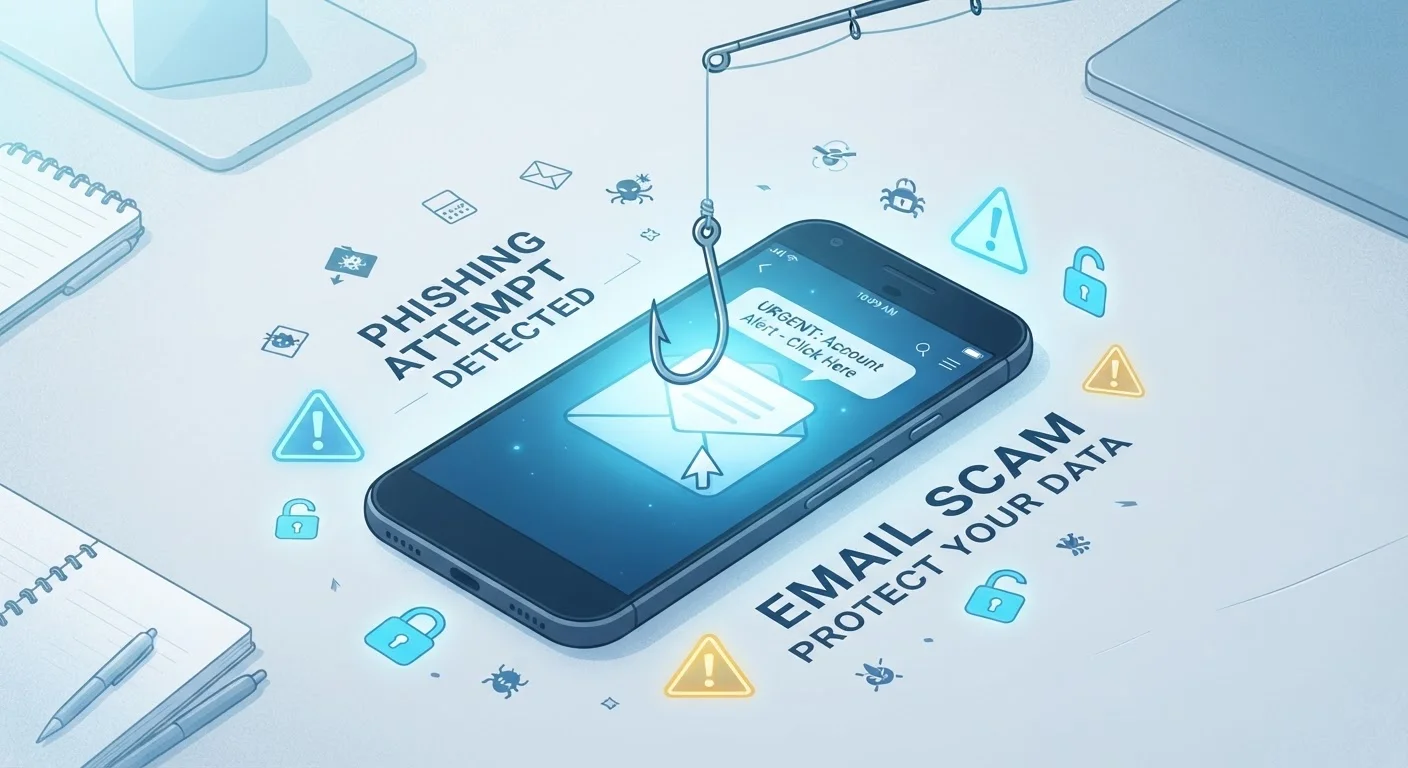
A scam delivered by email where an attacker pretends to be a trusted organization - a bank, a government agency, a retailer - to trick you into clicking a link or handing over personal information. The name is a play on 'fishing,' because the attacker is casting a wide net hoping someone bites.
Smishing
Phishing carried out via SMS (text message). You might receive a text claiming your package can't be delivered, or that your account has been locked, with a link to a fake site. 'Smishing' blends 'SMS' and 'phishing.'
Vishing
Voice phishing - scams conducted over a phone call. Attackers may impersonate the IRS, a bank fraud department, or tech support. 'Vishing' combines 'voice' and 'phishing.' Callers often use urgency or fear to pressure quick decisions.
Spear Phishing
A targeted version of phishing aimed at a specific individual. Unlike mass phishing emails, spear phishing messages use personal details - your name, employer, or recent activity - to appear more legitimate and harder to dismiss.
Whaling
Spear phishing directed at high-value targets like executives or managers. The stakes are higher because these individuals often have access to sensitive systems, financial accounts, or company data.
Pretexting
A scam in which the attacker fabricates a believable scenario - a 'pretext' - to manipulate you into sharing information. For example, someone posing as an IT technician saying they need your login to fix a problem.
Social Engineering
The broader category that includes phishing, smishing, vishing, and pretexting. Social engineering exploits human psychology - trust, fear, urgency - rather than technical vulnerabilities. Most online scams are a form of social engineering.
Spoofing
When a scammer disguises their real identity by faking the name, phone number, or email address they appear to be contacting you from. A spoofed number might look identical to your bank's real number on caller ID.
Malware
Short for 'malicious software.' Scammers often use phishing links or fake attachments to get malware onto your device. Once installed, it can steal passwords, log keystrokes, or lock your files for ransom.
Ransomware
A specific type of malware that locks or encrypts your files and demands payment - a ransom - to restore access. Ransomware is commonly spread through phishing emails containing malicious attachments or links.
Credential Harvesting
The goal of many phishing attacks - tricking you into typing your username and password into a fake login page so the attacker can capture and use those credentials.
Two-Factor Authentication (2FA)
A security measure that requires a second verification step beyond your password - like a code sent to your phone. Enabling 2FA can significantly limit the damage even if a scammer obtains your password.
Once you've got the vocabulary down, the next step is learning to spot fakes in the wild. Our guide on spotting a fake email before you click anything walks through the specific red flags to look for in suspicious messages.
What to Do When You Suspect a Scam
Recognizing a scam type is step one. Here's what to do if something feels off:
- Don't click, tap, or call back. Even hovering over a link in an email can sometimes confirm your address to a scammer.
- Verify through official channels. If a message claims to be from your bank, look up the number on your card or the official website - don't use the contact info in the message itself.
- Report it. In the U.S., you can forward suspicious texts to 7726 (SPAM) and report phishing emails to the FTC at reportfraud.ftc.gov.
- Don't feel embarrassed. These scams are engineered to be convincing. Anyone can encounter one.
When in Doubt, Hang Up or Delete
No legitimate bank, government agency, or tech company will pressure you to act immediately or punish you for taking time to verify. If a message or caller creates a sense of emergency, that urgency itself is a warning sign. It's always okay to end a call or ignore a message while you check independently.
For broader smartphone security habits - including how to handle suspicious links and app permissions - see The Everyday Person's Guide to Smartphone Security.
$10.3B
Reported losses to online fraud in the U.S.
According to the FBI's 2022 Internet Crime Report, Americans reported over $10.3 billion in losses to internet crime that year.
3 in 4
Organizations targeted by phishing attempts
Proofpoint's State of the Phish report found roughly three-quarters of organizations experienced phishing attacks in a recent survey year.
The content on this site is for informational purposes only and is not a substitute for professional advice. Always consult a qualified professional for guidance specific to your situation.