

Our Verdict
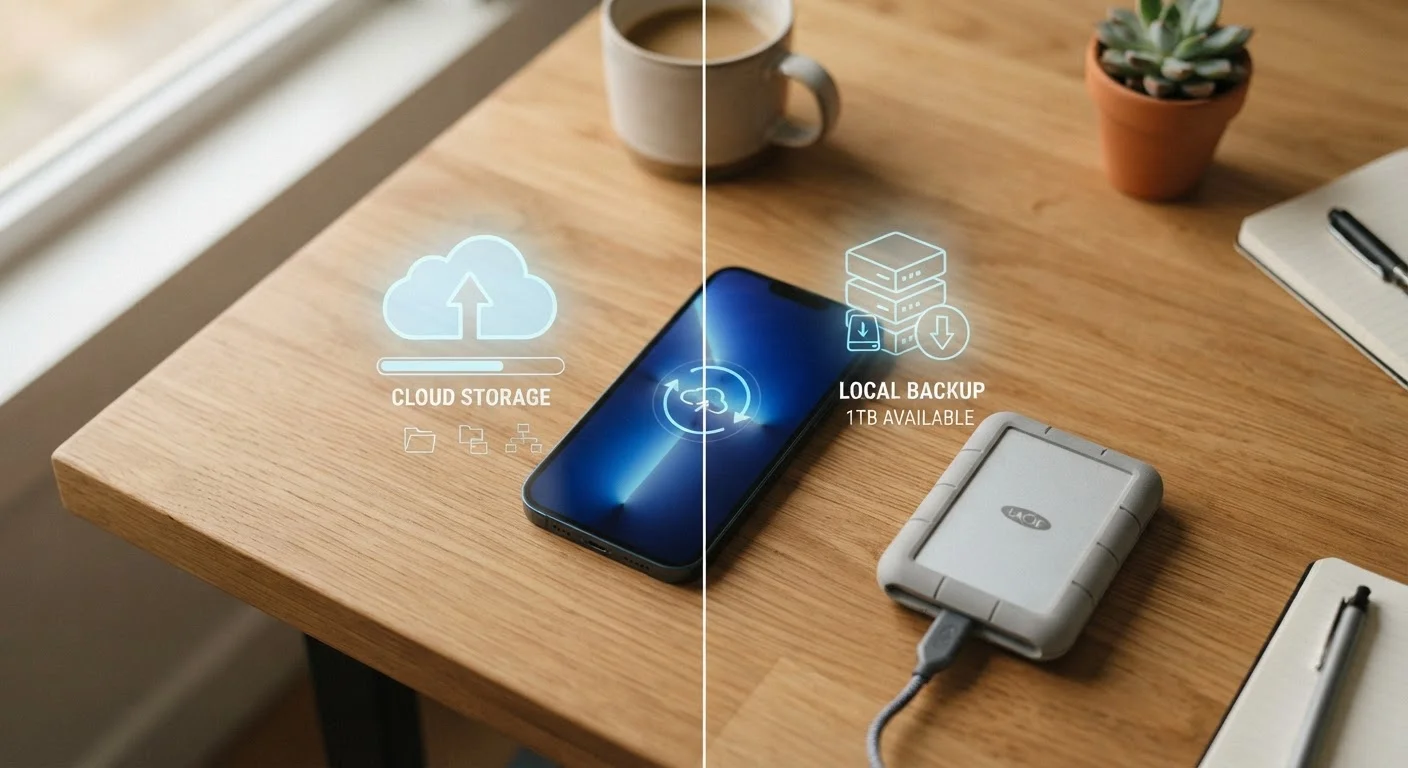
Cloud backup wins on convenience and automatic protection, making it the right default for most everyday users. Local backup adds a meaningful safety net - especially for large files, privacy-sensitive data, or situations where you want independence from subscriptions. Neither method is flawless on its own.
Cloud backup suits people who want set-it-and-forget-it protection; local backup appeals to privacy-minded users or anyone who wants offline access to their data.
What Each Method Actually Does
When you back up your phone, you're creating a copy of your data - photos, contacts, messages, app settings - so you can restore it if your device is lost, stolen, or broken. The two main approaches differ in where that copy lives.
Cloud backup uploads your data to remote servers operated by a company (your phone maker or a third-party service). Your iPhone uses iCloud by default; Android phones typically use Google One. The process usually runs automatically in the background when your phone is charging and connected to Wi-Fi.
Local backup saves your data directly to a device you own - a computer, an external hard drive, or a USB drive. On iPhone, this means plugging into a Mac or PC and using Finder or iTunes. Android users can do the same, though the process varies by manufacturer. You're in charge of when and how it happens.
If you're switching to a new device and want to transfer everything cleanly, understanding which backup method you've been using matters - see our guide to setting up a new smartphone for a full walkthrough.
The Case for Cloud Backup
Cloud backup has become the default for most people - and for good reason. Once configured, it runs on its own with no cables or manual steps required.
Automatic backups require no manual effort
Once enabled, cloud backup runs on its own - typically overnight when your phone is charging and on Wi-Fi. You don't need to remember to do anything.
Accessible from anywhere with internet
If you lose your phone while traveling, you can restore your data to a replacement device without needing access to a computer or hard drive at home.
Protects against physical loss or damage
Because the data lives off-device, a cracked screen, water damage, or theft doesn't wipe out your photos and contacts.
Easy to restore when switching phones
Cloud backups make it straightforward to pick up exactly where you left off on a new device, often with minimal setup time.
5-15 GB
Typical free cloud storage tier per platform
Major platforms like iCloud and Google One offer limited free storage - a few hundred photos or videos can exhaust it quickly.
~3.3 GB
Average size of a one-minute 4K video clip
At this size, just a handful of videos can consume a free cloud storage allowance entirely, making paid plans a practical necessity for many users.
The main caveat is cost. Free storage tiers (typically 5-15 GB depending on the platform) fill up faster than most people expect - especially if you take videos. Paid plans are usually affordable, but it's an ongoing expense to factor in.
There's also a privacy angle worth considering. When your data lives on a company's servers, it's subject to that company's policies, potential data breaches, and government requests. If that concerns you, reviewing your privacy settings alongside your backup choices is a smart habit.
The Case for Local Backup
Local backup puts you in complete control. Your data stays on hardware you own, in your home - no subscription required, no third-party server involved.
Requires physical media you own and manage
You need a computer, external drive, or USB stick - and you have to initiate or schedule each backup yourself. It won't happen automatically without extra software.
Vulnerable to the same physical disasters as your phone
If your backup drive sits next to your phone at home, a fire or flood can destroy both. Storing a copy off-site reduces this risk but adds more steps.
Setup is less intuitive than cloud options
Connecting a phone to a computer and running a full local backup involves more steps than tapping "enable backup" in a settings menu, which can be a barrier for less tech-comfortable users.
The trade-off is discipline. Local backups don't happen automatically unless you set up specific software to schedule them. Forget to run one for a few months, then drop your phone, and you've lost everything in between.
There's also a physical risk: if a fire, flood, or theft hits your home, a local backup stored in the same location won't help. Security researchers often recommend the 3-2-1 rule as a general framework - three copies of your data, on two different types of storage, with one kept off-site. Local backup is just one piece of that picture.
The 3-2-1 Backup Rule Explained
The 3-2-1 rule is a widely cited framework in data protection: keep three copies of your data, stored on two different types of media, with one copy stored off-site (such as in the cloud or at a different location). It's not a strict requirement, but it's a useful mental model for understanding why relying on a single backup method - cloud or local - leaves gaps. Think of each layer as a safety net beneath the last.
Which Should You Use?
The honest answer for most people: both. Use cloud backup for everyday, automatic protection. Use local backup periodically - perhaps once a month or before a major phone update - for an extra layer of security that doesn't depend on an internet connection or a company staying in business.
If cost is a concern, start with whatever free cloud tier your phone offers, and supplement with a local backup to your computer. If privacy is your top priority, lean harder on local storage and be selective about what you allow to sync to the cloud. For more on keeping your phone and data secure overall, our everyday smartphone security guide covers the broader picture.
The same local-versus-cloud tension shows up in smart home tech too - if you're curious how it plays out there, this piece on local vs. cloud smart home control is worth a look.
The content on this site is for informational purposes only and is not a substitute for professional advice. Always consult a qualified professional for guidance specific to your situation.