

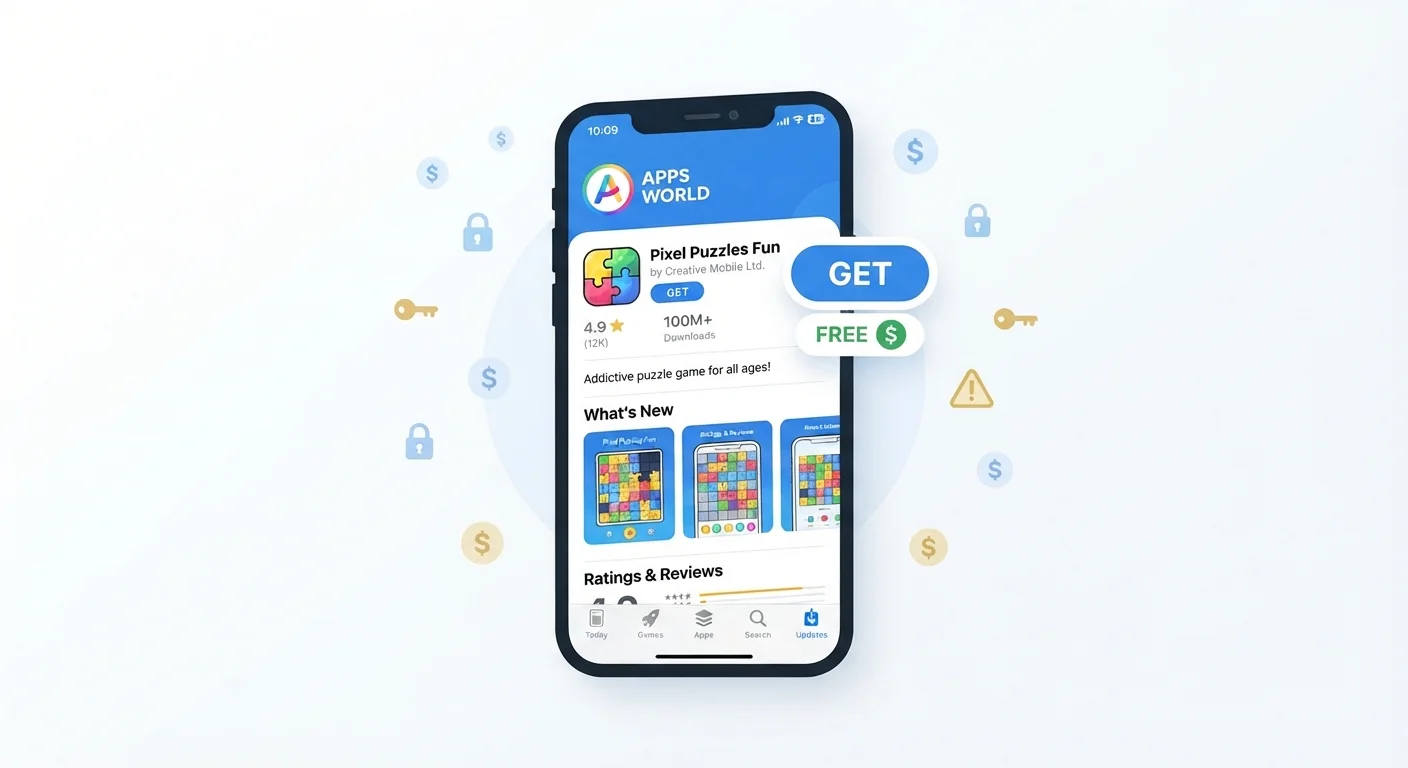
Why 'Free' Is a Business Model, Not a Gift
When you browse the app store, the word Free feels straightforward. But app developers still need to pay engineers, designers, and server bills. So where does the money come from?
Most free apps rely on one or more of three revenue strategies: in-app purchases, subscription fees, and data monetisation. Understanding how each works helps you evaluate what you're actually agreeing to before you tap Install.
97%
Of top-grossing apps use a freemium model
Data from app market research has consistently shown the vast majority of highest-earning apps are free to download but monetised through purchases or subscriptions.
$200+
Average annual spend on app subscriptions per US user
Industry estimates suggest US smartphone users collectively spend billions annually on app subscriptions, often without a clear picture of the total.
~60%
Of free apps collect data shared with third parties
Privacy research has found the majority of free apps share user data with advertising or analytics partners as part of their monetisation strategy.
In-App Purchases: Small Charges That Stack Up
In-app purchases (often abbreviated as IAP) are optional items or upgrades you can buy while using an app. In a mobile game, that might mean extra lives, virtual currency, or cosmetic upgrades. In a photo-editing app, it could mean unlocking a filter pack or removing a watermark.
These purchases are designed to feel low-stakes - often $0.99 to $4.99 at a time - but they're built into experiences that encourage repeated spending. Games in particular use reward loops and artificial scarcity to nudge players toward buying more.
You can spot apps with in-app purchases before you download them. Both the Apple App Store and Google Play display this information on the app's listing page. If you share a device with kids, both platforms also offer parental controls that require a password or biometric confirmation before any purchase goes through.
Subscriptions: The Charges You Forget to Cancel
Subscription apps charge a recurring fee - weekly, monthly, or annually - to access their features. Many start with a free trial, which automatically converts to a paid plan once the trial ends unless you cancel manually.
This model is common in productivity apps, fitness apps, news apps, and entertainment services. The charges are legitimate, but they're easy to lose track of when you have several running simultaneously.
Set a Reminder Before Any Free Trial
When you start a free trial, add a calendar reminder two days before it ends. That gives you time to decide whether to keep the subscription or cancel before the charge hits. Most platforms let you cancel immediately after subscribing - you keep access until the trial ends either way.
To stay on top of what you're paying, periodically review your active subscriptions through your device's settings. On iPhone, go to Settings > > Subscriptions. On Android, open the Google Play Store > profile icon > Payments & subscriptions.
Data Monetisation: When You're the Product
Some free apps don't charge you directly at all. Instead, they make money by collecting information about you - your location, how long you use the app, what you click on, your device identifiers - and sharing that data with advertising networks.
This is a legitimate and legal business model in most cases, but it's worth understanding what you're exchanging. The data collected can be used to build a profile of your interests and habits, which advertisers use to target you across apps and websites.
You can reduce this kind of data sharing by reviewing your app permissions and adjusting your phone's privacy settings. Our guide to app permissions worth a second look walks through which permissions deserve scrutiny. For a broader privacy checkup, see our smartphone privacy settings guide.
“If you're not paying for the product, you are the product. In the app economy, that phrase has real, practical meaning - your attention and your data are the currency.”
— Common attribution in digital privacy literature, Widely cited observation in technology and media studies
What to Check Before You Download
A few quick checks before installing an app can save you from unexpected charges or unwanted data sharing:
- App store listing: Look for in-app purchase disclosures and the developer's privacy policy link.
- Permissions requested: If an app asks for access to your contacts, microphone, or location before it's even opened, that's worth questioning. Our guide explains what each permission request really means.
- User reviews: Search for terms like 'subscription' or 'charges' in the reviews - other users often flag aggressive monetisation.
- Free trial terms: Note the exact trial end date and set a calendar reminder if you're not sure you want to pay.
The same mindset that helps you understand the real cost of owning a car applies here: the upfront price is rarely the whole story. A little due diligence up front is far easier than chasing down an unwanted charge later.
Once you've audited what's on your phone, it's also worth keeping things tidy - our article on keeping your apps organised can help you manage what stays and what goes.
Frequently Asked Questions
Yes. Many free apps are designed to encourage in-app purchases or charge a recurring subscription after a trial period ends. Even if you never spend a cent, the app may still profit from your data.
A freemium app is free to download but restricts certain features behind a paid upgrade or subscription. The free version is meant to get you hooked before prompting you to pay.
Apps can collect information like your location, browsing habits, age, and interests, then share that data with advertisers who use it to target you with relevant ads. This happens through the app's ad network partners, often without you noticing.
Both the Apple App Store and Google Play list in-app purchase details on every app's page. Look for a section labeled 'In-App Purchases' before you download.
On iPhone, go to Settings > your name > Subscriptions. On Android, open the Google Play Store, tap your profile icon, then Payments & subscriptions. You can cancel active subscriptions from either menu.
You can reduce data sharing by adjusting your phone's privacy settings, limiting ad tracking, and reviewing app permissions. Some apps also offer paid tiers that skip advertising entirely. See our guide on <a href="/everyday-tech/smartphones-apps/smartphone-privacy-settings-worth-checking-right-now">smartphone privacy settings</a> for practical steps.
The content on this site is for informational purposes only and is not a substitute for professional advice. Always consult a qualified professional for guidance specific to your situation.