

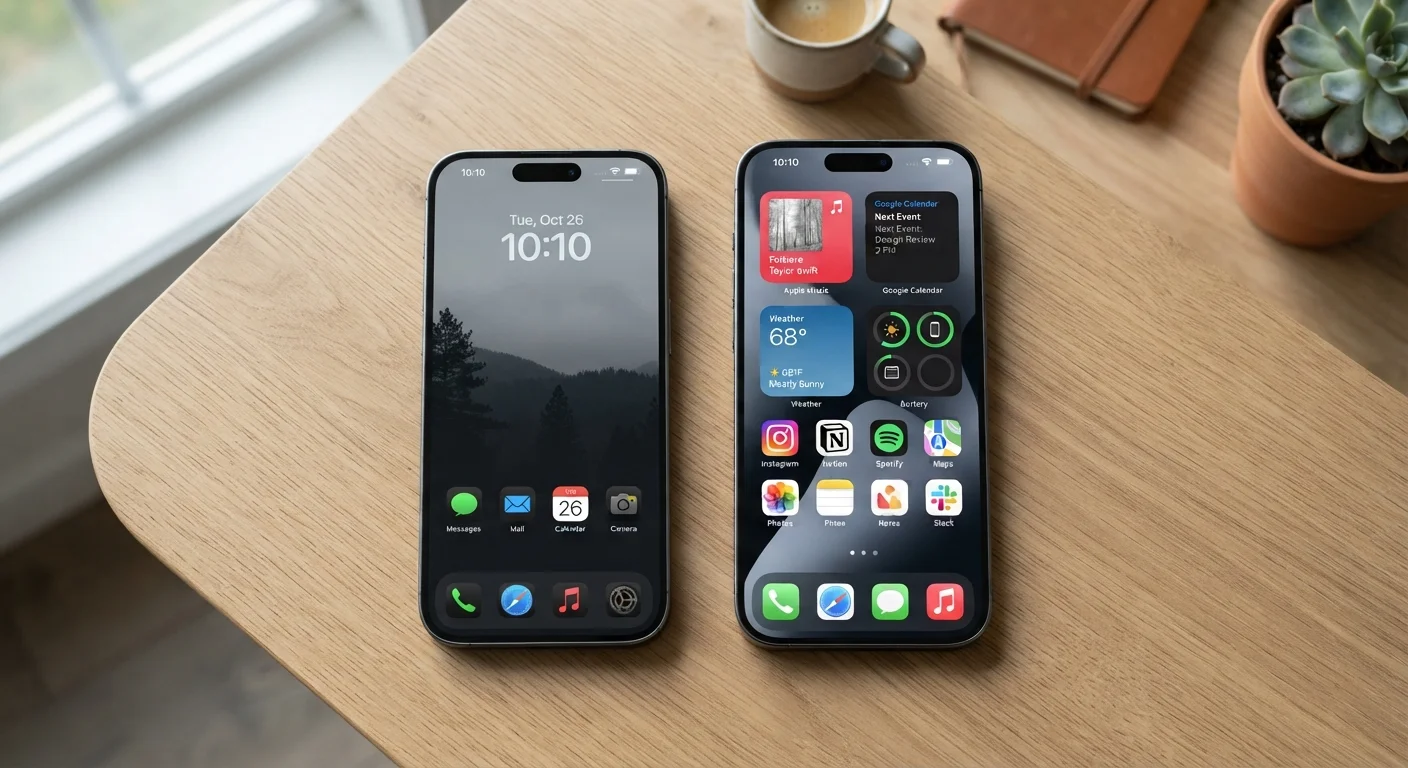
Option A
Android
The flexible, open platform built for customisers.
Best for: Users who want more control over how their phone looks, works, and connects with other apps and devices.
Option B
iOS
The tightly integrated system built for consistency.
Best for: Users who prioritise a polished, predictable experience and tight integration with Apple hardware and services.
The Core Philosophy Behind Each Platform
Android, developed by Google, is an open-source operating system. That means device manufacturers - Samsung, Google itself, Motorola, and others - can modify it, and developers face fewer restrictions when building apps. iOS, Apple's mobile system, runs exclusively on iPhones and is tightly controlled from hardware to software by a single company.
This fundamental difference shapes almost everything else: how apps are distributed, how updates arrive, how much you can change the way your phone looks and behaves, and even how your data is handled. Neither approach is inherently superior - they reflect different values about what a smartphone should be.
| Criterion | Android | iOS |
|---|---|---|
| Hardware variety | Many manufacturers, wide price range | Apple only, premium pricing |
| Software updates | Timing varies by manufacturer | Simultaneous rollout to all supported devices |
| Customisation | High - widgets, defaults, sideloading | Limited - consistent but constrained |
| App store control | Google Play; sideloading possible | App Store only on device |
| Tracking transparency | Granular controls, user-managed | App Tracking Transparency prompt required |
| Cross-device ecosystem | Open; works with most platforms | Seamless with Apple devices |
Updates: Who Gets Them and When
One of the most practical differences between the two platforms is how software updates work. Apple controls the entire iPhone hardware-software chain, so when a new iOS version arrives, it goes out to all supported iPhones simultaneously. A phone that's several years old can often still receive the latest security patches.
Android updates follow a more complicated path. Google writes the core software, but device manufacturers must adapt it for their own hardware, and some add their own interface layers on top. This means update timing varies by brand and even by model. Some Android phones receive timely updates; others lag months behind or stop receiving them after a few years. If staying current on security patches matters to you - and it should - it's worth checking a specific device's update track record before committing. For more on keeping your phone secure, see The Everyday Person's Guide to Smartphone Security.
72%
Global smartphone market share (Android)
StatCounter data consistently shows Android holding roughly 70-73% of global mobile OS market share as of recent years.
5-6 years
iOS software support lifespan (typical)
Apple has historically supported iPhones with software updates for approximately five to six years after release.
Privacy and App Permissions
Both platforms have made meaningful investments in privacy controls, but they take different routes. iOS introduced App Tracking Transparency, which forces apps to ask your permission before tracking your behaviour across other apps and websites. Apple also publishes privacy nutrition labels in its App Store, giving you a summary of what data an app collects before you download it.
Android's privacy tools have expanded significantly in recent years. You can grant apps permission only while actively using them, review which apps access your location, camera, or microphone, and limit ad personalisation. Google's approach tends to give users more granular controls but also requires more active engagement to make use of them.
On either platform, it's worth reviewing what you've already handed over. Our guide on app permissions worth a second look walks through exactly which access rights deserve scrutiny.
Privacy Settings Need a Regular Check-Up
Installing a new app isn't the only time permissions get set - many users grant access during a rushed setup and never revisit it. Both Android and iOS let you audit all app permissions from within Settings at any time. Our smartphone privacy settings checklist is a practical starting point for this kind of audit.
Customisation, Ecosystem, and Switching Costs
Android lets you set third-party apps as your default browser, email client, or even phone dialler. You can rearrange your home screen with widgets, sideload apps from outside the Play Store (with some caveats), and connect more freely with non-Apple devices. iOS keeps tighter guardrails: the experience is more consistent and arguably more polished, but there's less room to stray from Apple's preferred way of doing things.
Ecosystem lock-in is real on both sides. If you've bought apps, music, or films through the Google Play Store, those purchases don't transfer to Apple's App Store, and vice versa. Switching platforms also means re-learning workflows and potentially losing chat history from apps like iMessage. If you're thinking about making the jump, Setting Up a New Smartphone Without Losing Your Old Life covers how to transfer your data as smoothly as possible. Once you're set up, keeping your apps organised can help you get the new device working the way you actually want it to.
The content on this site is for informational purposes only and is not a substitute for professional advice. Always consult a qualified professional for guidance specific to your situation.